Taking a selfie using freestop
Galaxy Z Fold2 5G
Taking a selfie using freestop
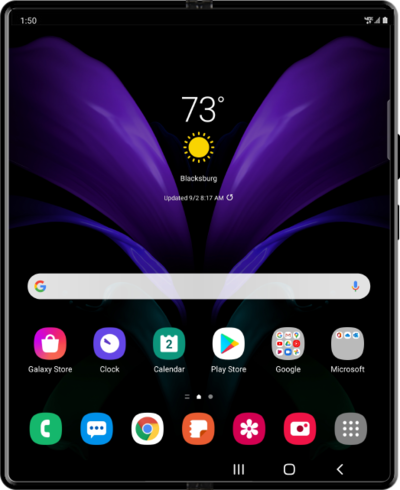
Free Stop allows your device to lock at a variety of angles. Setting it at a 90-degree angle while using the camera allows you to take pictures hands-free.
1.
From the Camera app, tap the Switch camera icon.
2.
To use the freestop function, open your phone halfway to enable half screen mode.
3.
Tap the Shutter icon to take a picture.
4.
You've completed the steps!
