Attaching a file to a text
Phoenix 5
Attaching a file to a text
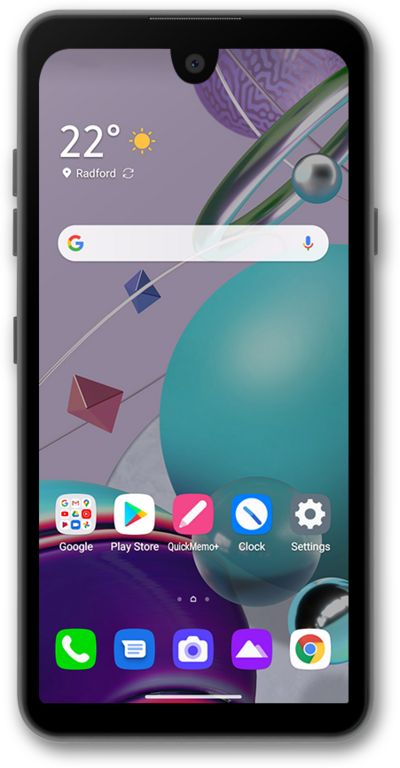
By adding a file, such as a photo or video, you will turn your SMS message into a MMS message (multimedia text message). You can send a multimedia text message to an individual or a group.
1.
From a composed message, tap the Camera and Gallery icon.
2.
Tap Gallery.
3.
Select an image.
4.
Once you have made your selection, tap Add.
5.
Tap the Send icon.
6.
You've completed the steps!
