Transferring photos to an SD card
Phoenix 5
Transferring photos to an SD card
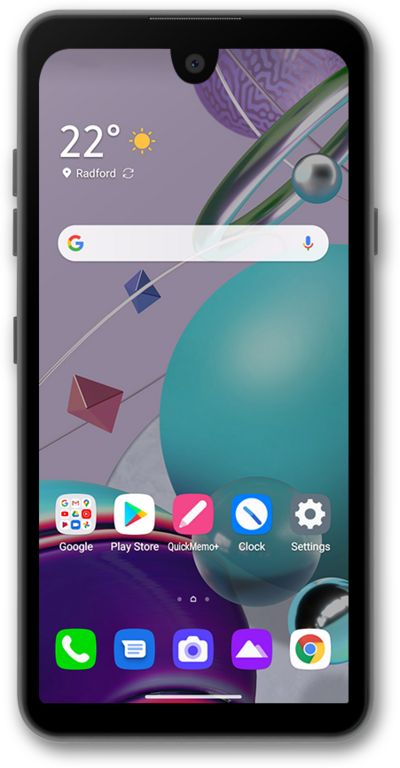
Move photos and videos to your SD card to free up space on your device. You will also be able to easily transfer videos and picture to a new device using the same SD card.
1.
From the Files app main screen, tap Browse.
2.
Tap Images.
3.
Press and hold an image.
4.
Tap the Menu icon.
5.
Tap Move to.
6.
Tap Continue.
An SD card must already be inserted in your device.
7.
You've completed the steps!
