Using Near Field Communication and Android Beam™
Galaxy A71 5G
Using Near Field Communication and Android Beam™
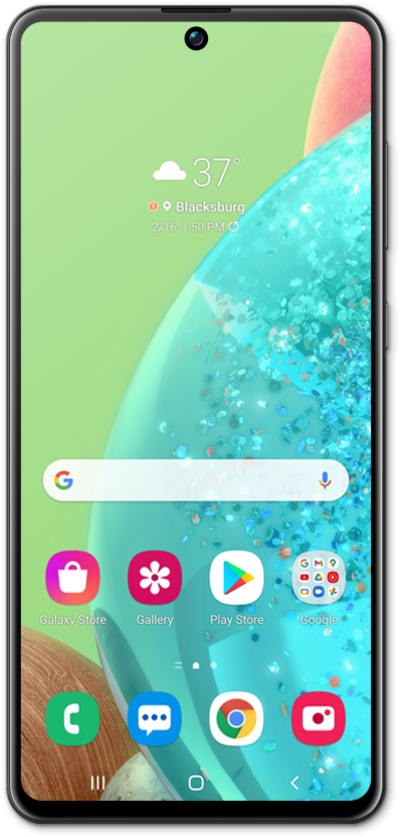
Turn on Near Field Communications to send data to a near by device that also has NFC enabled. You can send pictures, contact information, GPS locations, and more.
1.
From the Settings app, tap Connections.
2.
Tap NFC and contactless payments.
3.
Tap or slide the NFC and contactless payments switch to ON.
4.
Tap Contactless payments to view more information.
5.
You've completed the steps!
