Taking a picture and changing camera modes
Galaxy XCover Pro
Taking a picture and changing camera modes
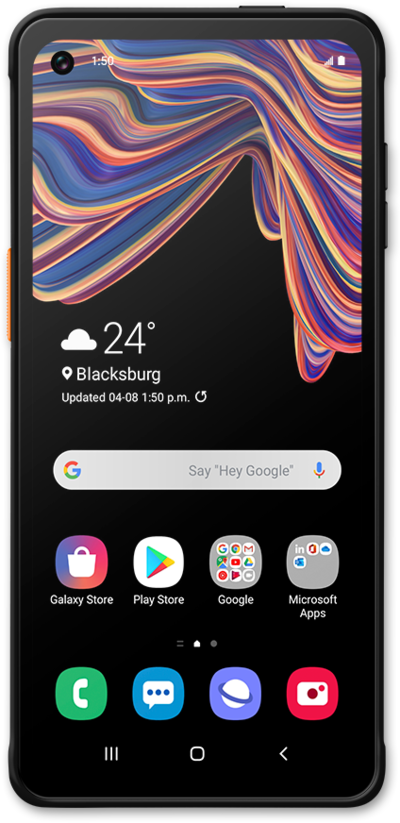
Learn about all the different photo modes you can access using your phone's Camera app.
1.
From the Camera app, tap the Shutter icon to take a picture.
2.
Tap More.
3.
Tap Pro.
4.
Tap the Histogram icon.
5.
You've completed the steps!
