Setting screen security
Galaxy A51 5G UW
Setting screen security
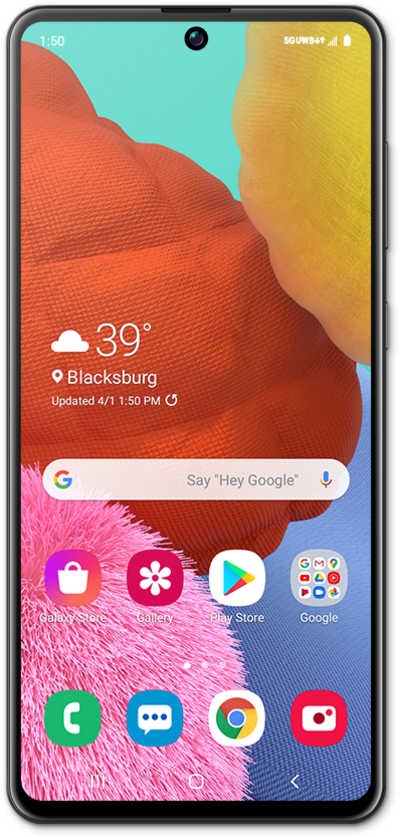
Screen locks secure your device and protect your device from being accessed by other people. Removing your security lock will allow anyone to be able to access your device. Note that if your device is requesting a PUK code, you will need to contact your carrier to unlock your device.
1.
From the Settings app, scroll to Lock screen.
2.
Tap Lock screen.
This app may be called "Lock screen and AOD" on some OS versions.
3.
Tap Screen lock type.
4.
Tap PIN.
For this tutorial, we're showing how to set up a PIN. You can select a different type of security, but steps may vary based on what you choose.
5.
Enter your PIN.
Your PIN must be at least 4 numbers long.
6.
Tap Continue.
7.
Confirm your PIN.
8.
Tap OK.
9.
Tap Done.
10.
You've completed the steps!
