Managing the device memory
Galaxy A42 5G
Managing the device memory
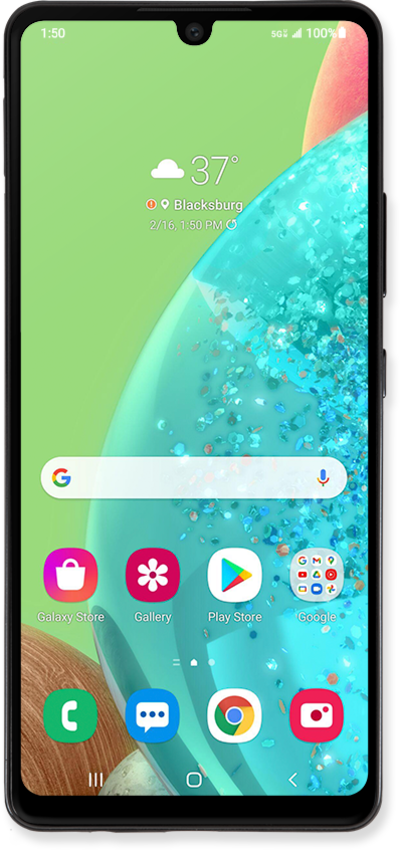
Clearing your device's memory can help improve your device's speed to make it go faster. Your device may become slow because it is low on memory.
1.
From the Settings screen, scroll to Battery and device care.
2.
Tap Battery and device care.
3.
Tap Memory.
From this screen, you can view details about how your device memory is being used.
4.
Tap Apps not used recently.
5.
Select an app to view more information.
6.
You've completed the steps!
