Changing an icon's appearance
G8X ThinQ
Changing an icon's appearance
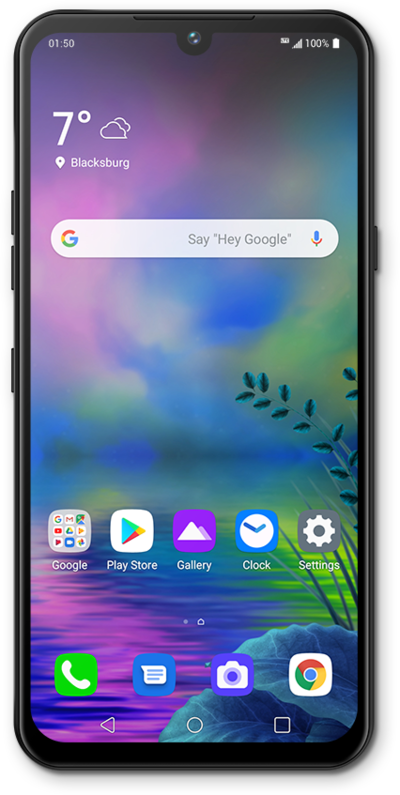
You can change the icons for apps on your Home screen to customize the look of your Home screen.
1.
From the Home screen, touch and hold an empty space.
2.
Tap Home screen settings.
You can only change the icons for apps on a Home screen.
3.
Tap Icon shape.
4.
Select your preferred icon shape.
5.
Tap Apply.
6.
Tap the Home button to view your changes.
7.
You've completed the steps!
