Using your feed
G8X ThinQ
Using your feed
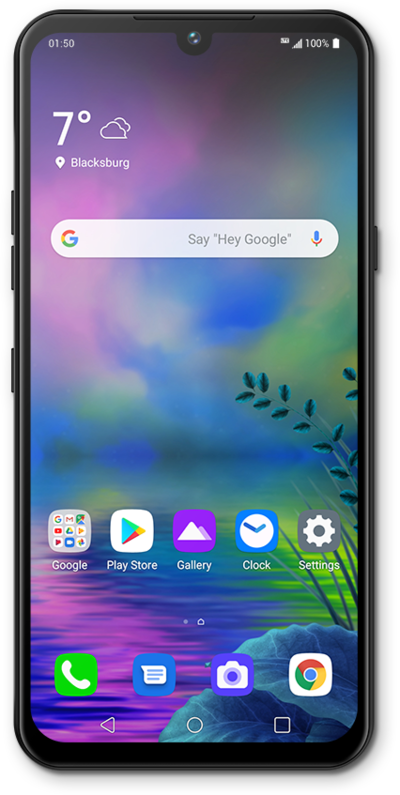
Your Google feed can be customized to show you information that is relevant to you. It can show you news articles, weather, sports scores, driving time estimations, and more.
1.
From the Home screen, tap the Google folder.
2.
Tap Google.
If prompted, follow onscreen instructions for first-time use.
3.
Scroll to view more cards.
4.
Tap a card to view it.
5.
Tap BACK to return to the Google app main screen.
6.
To dismiss a card, tap the Menu icon.
7.
Tap Not interested in this.
8.
Tap Search.
9.
Enter your search term.
10.
Tap the Search icon.
From this screen, you can select the type of result you want to find. You can view results from the web or contacts and apps on your phone.
11.
You've completed the steps!
