Managing the battery
Moto G Power 2022
Managing the battery
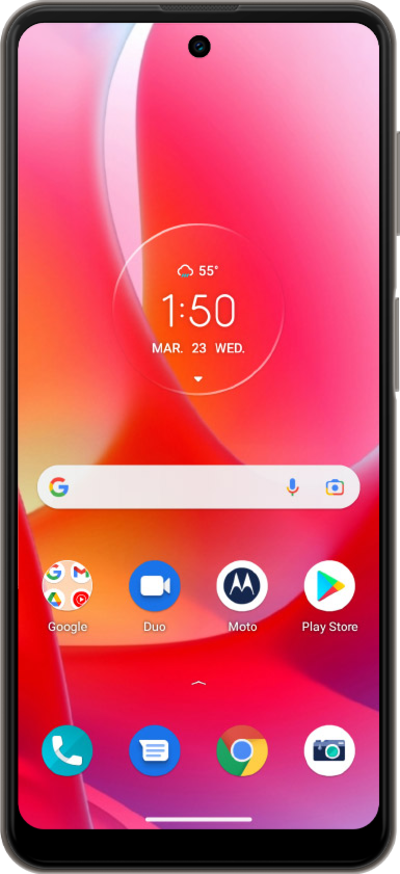
Learn how to manage the battery on your device. Taking care of your battery will extend your battery life.
1.
From the Settings app, tap Battery.
2.
Tap Battery usage.
From this screen, you can view details about how your battery power is being used.
3.
Select an app to view more information.
4.
Tap the Back button to go back.
5.
Tap the Back button to go back again.
6.
Tap Battery Saver.
7.
Tap Use Battery Saver.
Power saving mode saves battery power by limiting access to certain apps, including the flashlight.
8.
You've completed the steps!
