Adding a Phone Number as a Contact
Galaxy Note 7
Adding a Phone Number as a Contact
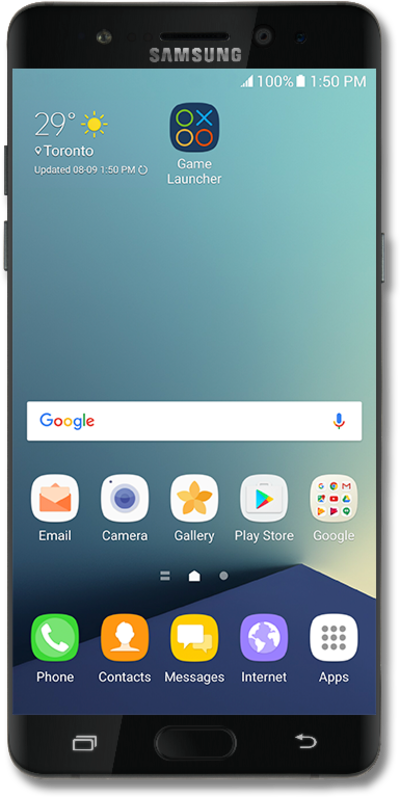
Use your saved contacts to place a call rather than typing out their number from memory.
1.
From the Home screen, drag down the Notification Panel.
2.
Tap Missed call.
3.
Select a call.
4.
Tap CREATE CONTACT.
5.
Enter the contact's name.
6.
Scroll to the Email field.
7.
Tap the Email field.
8.
Enter the contact's email address.
9.
Tap SAVE.
10.
You've completed the steps!
