Managing Data Usage
Lumia 830
Managing Data Usage
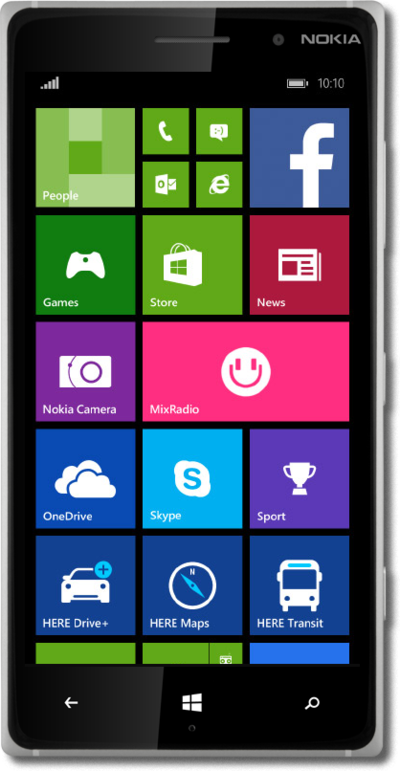
You can view how much cellular data each of your apps has used and temporarily prevent them from accessing cellular data.
1.
From the Start screen, drag down the Notification Panel.
2.
Tap ALL SETTINGS.
3.
Scroll to data sense.
4.
Tap data sense.
5.
Tap set limit.
6.
Tap the Limit type field.
7.
Tap monthly.
8.
Tap the Monthly reset date field.
9.
Select the day of the month.
10.
Tap the Monthly data limit field.
11.
Enter your data limit in MB.
12.
Tap the Done icon.
13.
You've completed the steps!
