Managing App Preferences
Lumia 830
Managing App Preferences
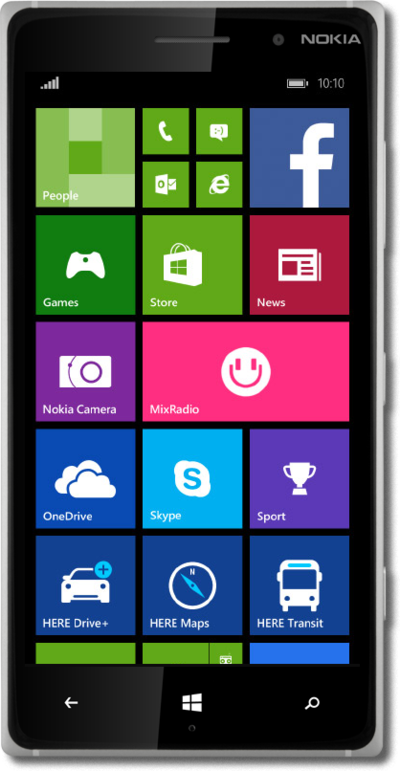
You can set battery usage allowances for certain apps on your device. If an app is using too much battery life or is behaving incorrectly, you can force stop the application.
1.
From the Start screen, drag down the Notification Panel.
2.
Tap ALL SETTINGS.
3.
Scroll to apps corner..
4.
Tap apps corner.
5.
Tap Apps.
6.
Select an app to pin to the Start screen.
7.
Tap the Done icon.
8.
You've completed the steps!
