Managing Background App Refresh
iPhone 4s
Managing Background App Refresh
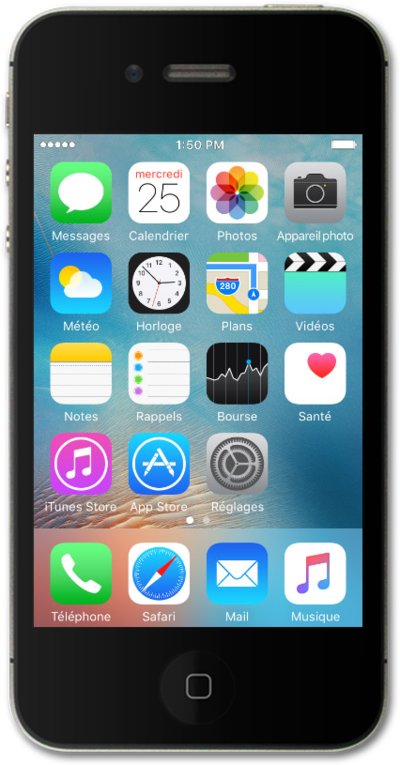
You can set battery usage allowances for certain apps on your device. If an app is using too much battery life or is behaving incorrectly, you can force stop the application.
1.
From the Home screen, tap Settings.
2.
Scroll to General.
3.
Tap General.
4.
Scroll to Background App Refresh.
5.
Tap Background App Refresh.
6.
Select your preferences. Turning off apps may help preserve battery life.
7.
You've completed the steps!
