Scheduling an Apple Support call
iPhone 6 Plus
Scheduling an Apple Support call
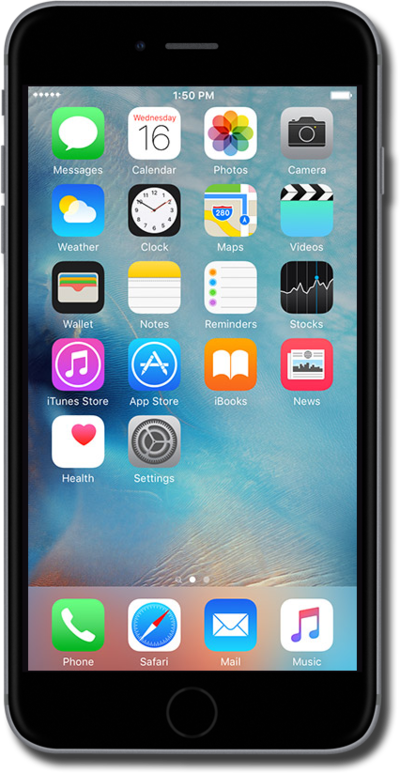
Learn how to get support for your device. Depending on your device and what is wrong with it, you may be able to schedule a call or chat from your device.
1.
From the Home screen, swipe to Apple Support.
You may need to install Apple Support from the App Store.
2.
Tap Apple Support.
3.
Tap Get Support.
4.
Select which device you need support for.
5.
Select a troubleshooting topic.
6.
Select a troubleshooting issue.
7.
Tap Schedule a Call.
8.
Select your preferred call date.
9.
Select your preferred call time.
10.
Tap Schedule a Call.
11.
Tap Done.
From this screen, you can add your scheduled call to your one of your calendars.
12.
You've completed the steps!
