Cancelling a scheduled Apple Support call
iPhone 6 Plus
Cancelling a scheduled Apple Support call
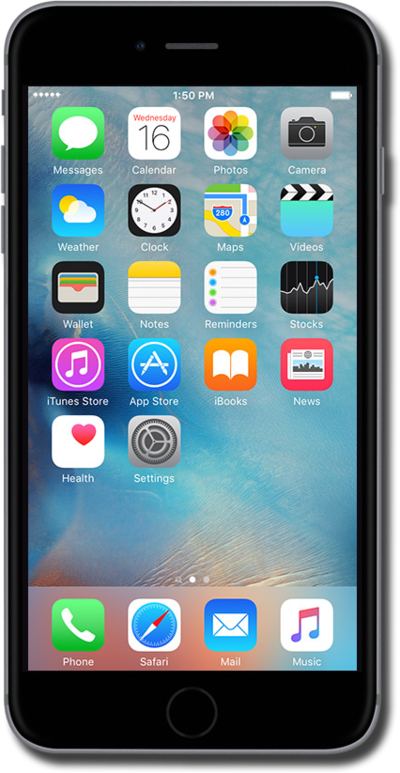
You can cancel a scheduled Apple Support call directly from the Apple Support application.
1.
From the Home screen, swipe to Apple Support.
You may need to install Apple Support from the App Store.
2.
Tap Apple Support.
3.
Tap Account.
4.
Tap Recent History.
5.
Select the scheduled call you'd like to cancel.
From this screen, you can view more information about your scheduled call, reschedule, and add your scheduled call to one of your calendars.
6.
Scroll to Cancel scheduled call.
7.
Tap Cancel scheduled call.
8.
Tap Cancel scheduled call again.
9.
Tap OK.
10.
You've completed the steps!
