Opening apps in split view
iPad mini 3
Opening apps in split view
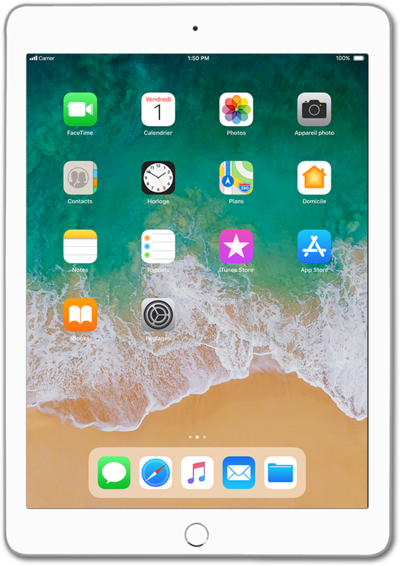
You can multitask with two applications on your device by using split screen. This will allow you to have two apps open at once.
1.
From an app, drag up the dock from the bottom of the screen.
2.
Touch and hold an app in the dock you would like to use in Split View.
3.
Drag the app to either side of the screen.
4.
Drag the Divider left or right to adjust the size of each app.
5.
To exit Split View, drag the Divider to either side of the screen.
6.
You've completed the steps!
