Changing the wallpaper
V35 ThinQ
Changing the wallpaper
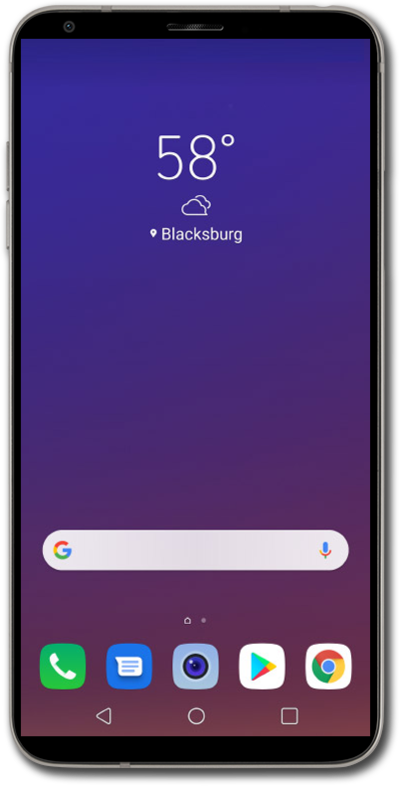
The background image for your device, also known as the wallpaper, can be changed in settings. You can use your own image as a wallpaper or choose from the default images on your device. You can change the lock screen and home screen backgrounds.
1.
From the Home screen, touch and hold an empty space.
2.
Tap Home screen settings.
3.
Tap Wallpaper.
For this tutorial, we're selecting static wallpapers. Live wallpapers move on their own and add motion to your Home screen. You can also select one of your own images from the Gallery app.
4.
Tap the My wallpapers gallery icon.
5.
Select the wallpaper you'd like to use.
6.
Tap Set wallpaper.
For this tutorial, we're changing the wallpaper on the Home screen and Lock screen. You can uncheck Home screen or Lock screen to only change one.
7.
Tap the Home icon to view your new wallpaper.
8.
You've completed the steps!
