Sending an audio message
Galaxy J7 (2017)
Sending an audio message
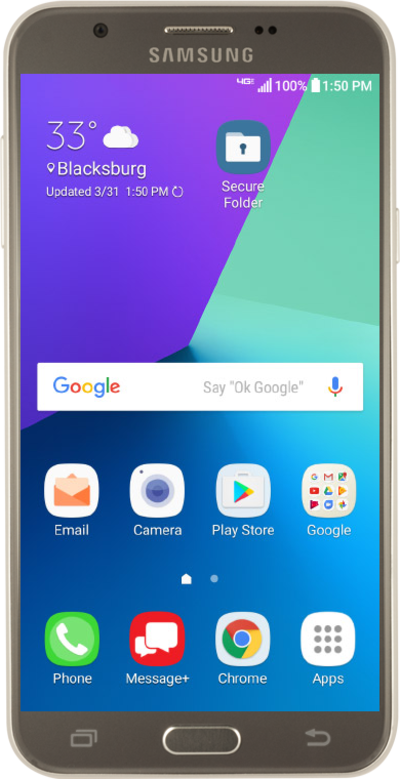
Discover how to send a text message with your voice using the speech to text feature on your device.
1.
From the Messages app main screen, tap Compose icon.
2.
Enter a contact's name.
3.
Select the contact.
4.
Tap COMPOSE.
5.
Tap the Microphone icon to start recording your message.
If necessary, follow the onscreen prompts to give Messages the appropriate permissions.
6.
Speak your message.
7.
When you're finished tap SEND.
8.
You've completed the steps!
