Sending a text with an attachment
Stylo 4
Sending a text with an attachment
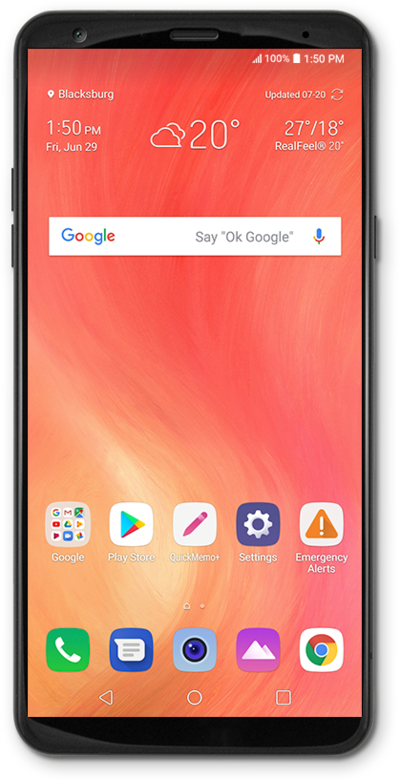
Compose and send a standard SMS message with your device's text messaging app. You can send a text message to an individual or a group.
1.
From the Home screen, tap the Messages icon.
2.
Tap the Plus sign icon.
3.
Enter a contact's name.
4.
Select the contact.
5.
Compose your message.
6.
Tap the Plus sign icon.
For this tutorial, we're selecting an image file. You can choose other types of attachments to send in a text, but steps may vary slightly based on what type of file you choose.
7.
Tap the Gallery icon.
8.
Select an image.
9.
Tap the Check mark icon.
10.
When you're finished, tap the Send MMS icon.
11.
You've completed the steps!
