Using Extreme Battery Saver mode
Pixel 5a
Using Extreme Battery Saver mode
Extreme Battery Saver pauses most apps, turns off features, and slows processes in addition to what Battery Saver limits.
1.
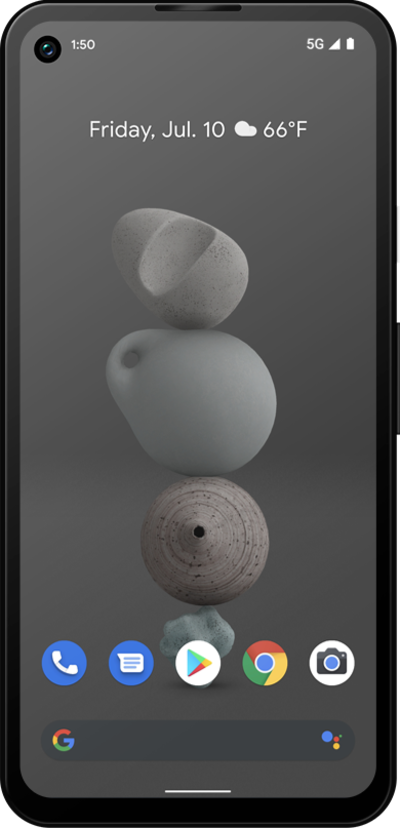
From the Home screen, drag down the Notification panel.
2.
Drag down the Quick settings panel.
3.
Swipe to Battery Saver.
Extreme Battery Saver helps you increase battery life by using your device less. It also turns off some power-heavy features like Wi-Fi hotspot, background activity, and more.
4.
Tap Battery Saver.
5.
Tap Extreme Battery Saver.
6.
Tap When to use.
7.
Select your preferences.
8.
Swipe from the left or right edge of the screen.
9.
Tap Essential apps.
10.
Check box for apps you would like to keep running in Extreme Battery Saver Mode.
To save the most battery, only choose critical apps.
11.
You've completed the steps!
