Downloading an app or widget
Galaxy Tab A 8
Downloading an app or widget
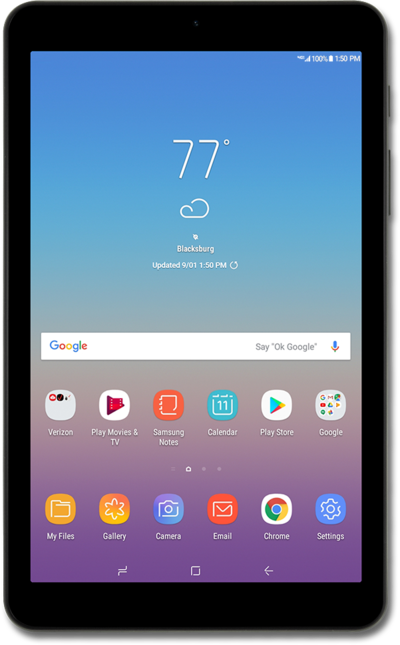
Follow these steps to access the digital storefront and install the latest apps available for your device.
1.
From the Home screen, tap Play Store.
If prompted, read any Terms of Service disclaimers and tap ACCEPT if you agree.
,To access Google Play Store, you'll need to sign in to your Gmail™ account on your device.
2.
Tap the Search for apps & games field.
3.
Enter your search term.
4.
Tap the Search key.
5.
Select the app or widget you'd like to install.
In this tutorial we're installing an app. However, you may wish to install a widget instead. The steps are essentially the same, but you may encounter minor variations based on the widget you select.
6.
Tap Install.
7.
When your download completes, tap Open.
8.
You've completed the steps!
