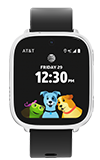
To enable the LED Flashlight, swipe down from the top right corner of the screen to access Quick Settings.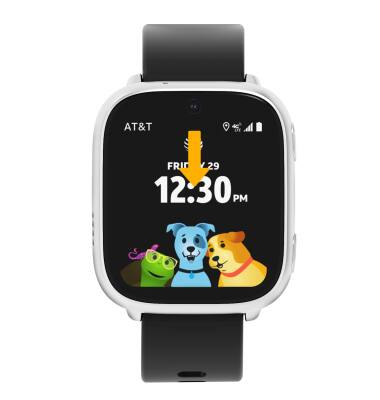
Select the LED Flashlight icon.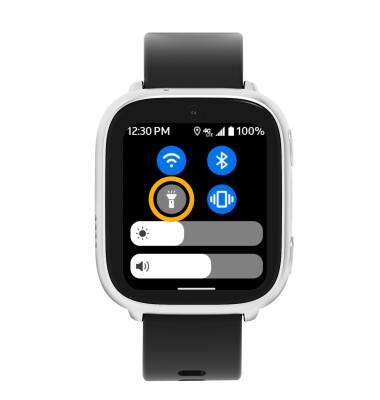
To disable LED Flashlight, select the LED Flashlight icon again.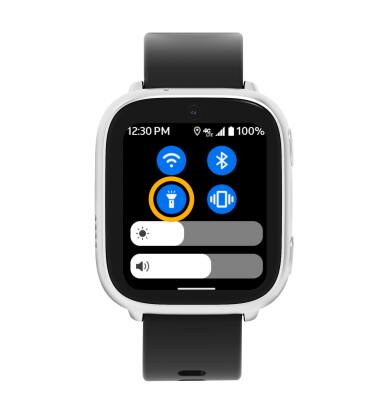
Use your device's LED Flashlight.
To enable the LED Flashlight, swipe down from the top right corner of the screen to access Quick Settings.
Select the LED Flashlight icon.
To disable LED Flashlight, select the LED Flashlight icon again.