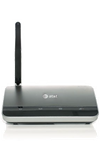
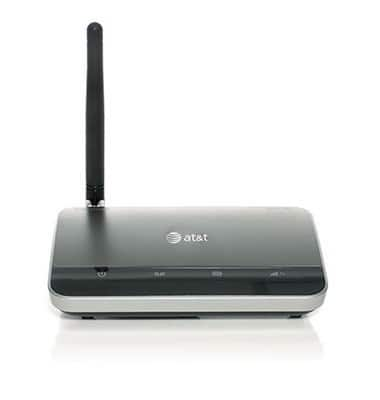
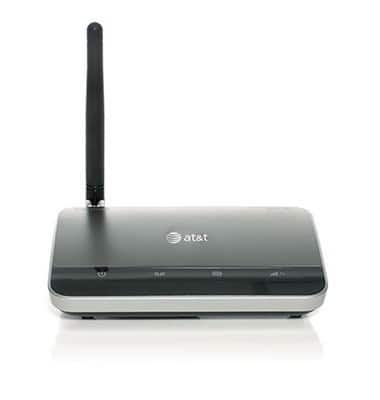
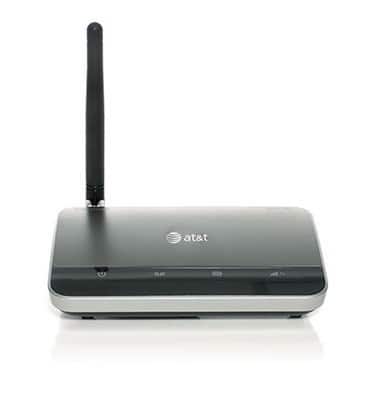
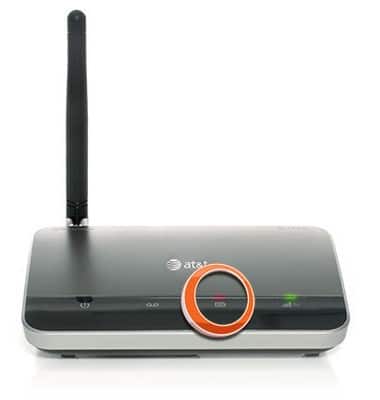
- Ensure the external antenna is vertically positioned and securely connected to the WHP Base Unit.
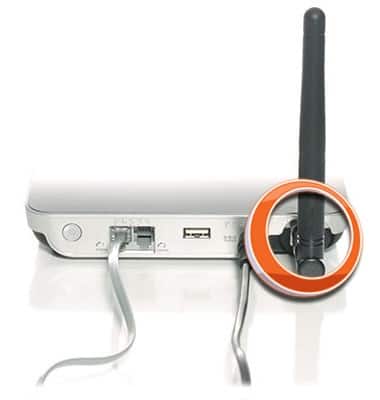
- Check that all the cables to the WHP Base Unit are firmly connected.
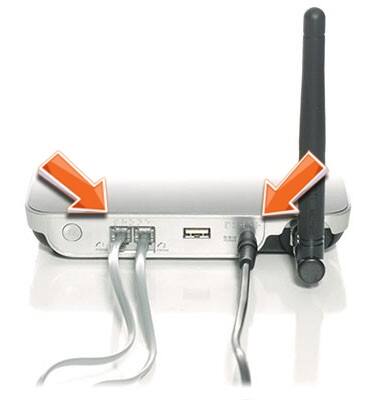
- If you used a pre-existing phone cable during installation, replace it with the provided replacement cable.
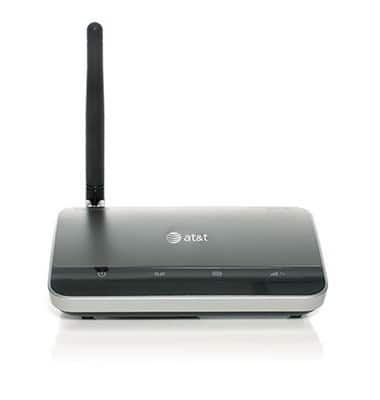
- Relocate the WHP Base Unit to an area with better reception (usually near a window or exterior wall).
- Move the WHP Base Unit further away from any potential sources of electromagnetic interference, such as cordless base stations, Wi-Fi routers, and cell phones.
- Ensure the phone connected to the AT&T Wireless Home Phone is functioning properly.
- Voice quality may degrade when the AT&T Wireless Home Phone is operating on a low charge in back-up battery mode. Reconnect the AT&T Wireless Home Phone to AC power when available.
Poor Voice Quality
ZTE Wireless Home Phone (WF720)
Poor Voice Quality
This article explains what to do if you're experiencing poor voice quality with your device.
INSTRUCTIONS & INFO