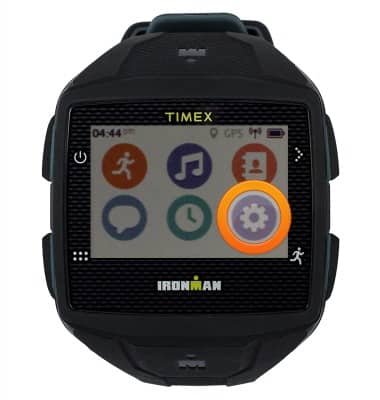
- To first connect to a Bluetooth device, from the home screen, tap the Settings icon.
- Tap the Headphones icon.
Note: Tap the Bluetooth switch to turn on before connecting to a Bluetooth 4.0 device.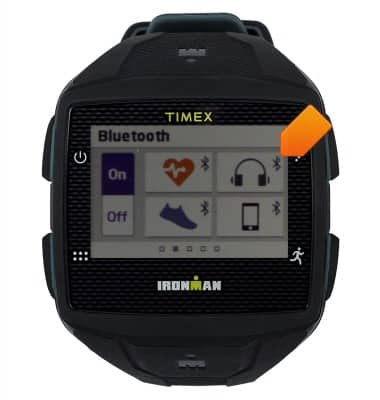
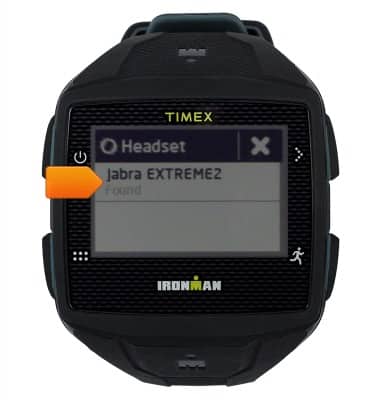
- Tap the desired Bluetooth device.
- From the home screen, tap the Music icon.
Note: A previously set up and connected Bluetooth 4.0 headset is required to complete this tutorial.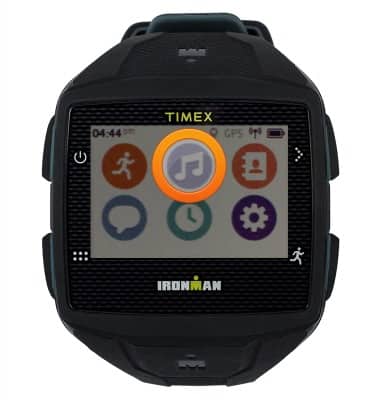
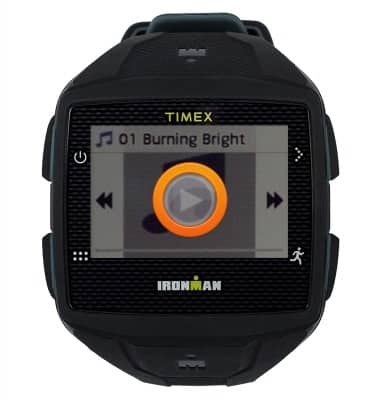
- Tap the Play icon to play the desired song.
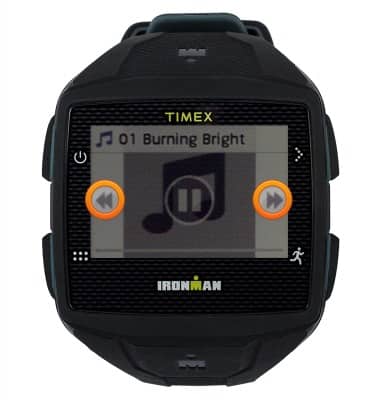
- Tap the Skip icons to play the previous or next song. Touch and hold to rewind or fast forward.
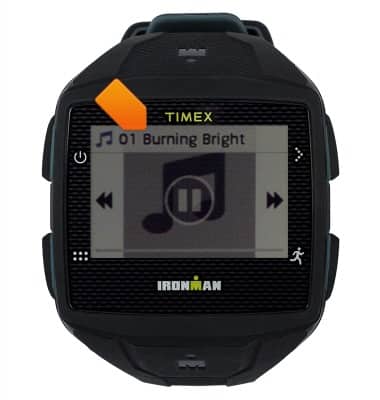
- Tap the song titled to access the Music menu.
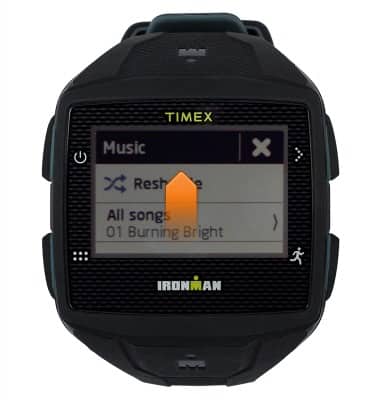
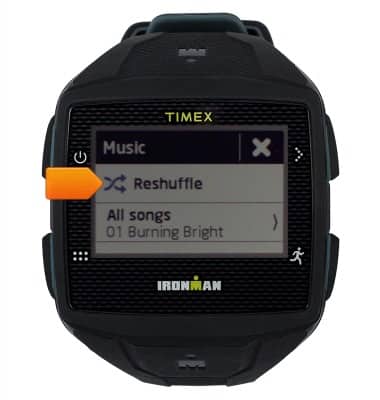
- To reshuffle the playlist, tap Reshuffle.
- To listen to a specific song, scroll to, then tap the desired song.