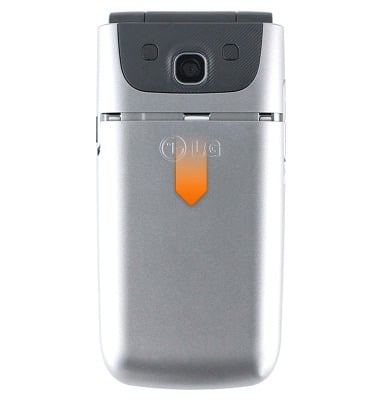
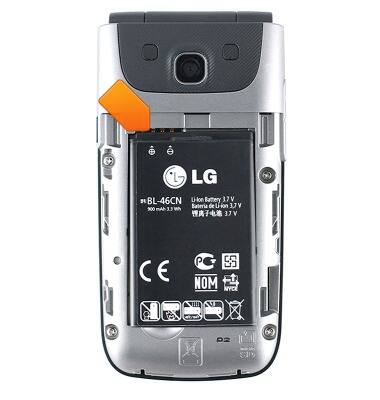
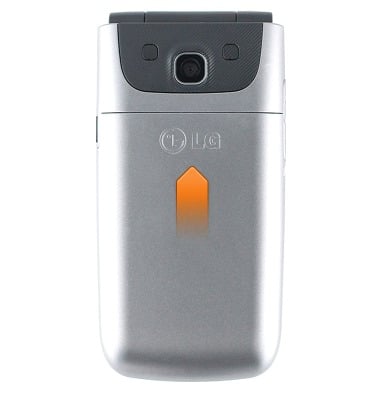
- Remove the battery door by sliding down from the top of the device.
- Slide the SIM card into the SIM card slot.
Note: The device supports a Standard SIM card.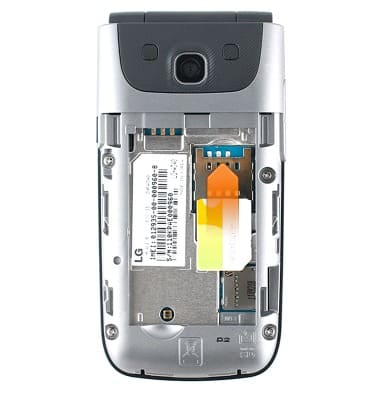
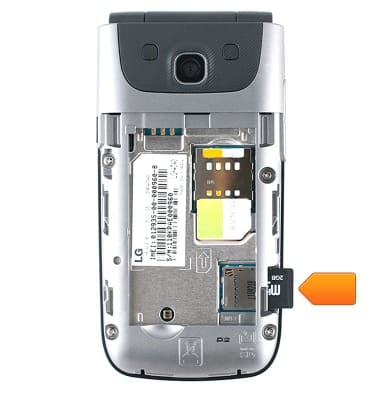
- On the side of the device, insert the SD card into the SD card slot.
- Slide the battery firmly into the back of the device, aligning the gold contacts.
- Slide the battery door firmly back onto the device.
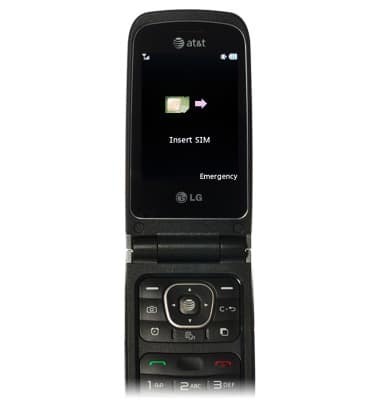
- If a SIM card is not installed, this screen will appear.
Phone assembly
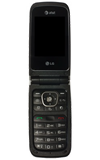
LG A340
Phone assembly
How to install the battery, SIM, and memory card (for applicable devices).
Device Overview
Device keys allow quick access to lock your screen, change volume, go to the home screen and other functions.
Device Overview
0:54
INSTRUCTIONS & INFO