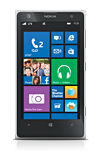
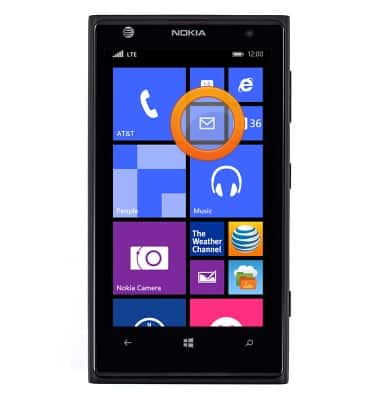
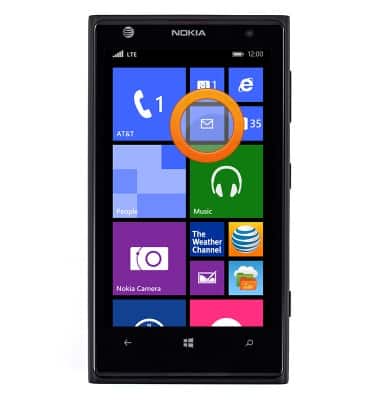
- From the Start screen tap the Email icon.
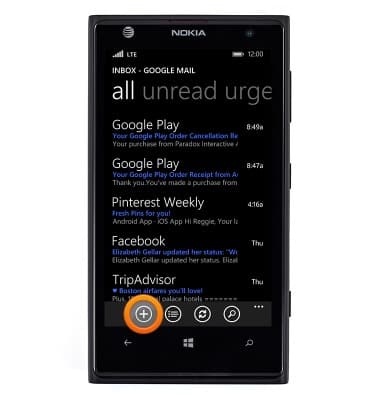
- To compose an email, tap the Plus icon.
- Enter the desired recipient email.
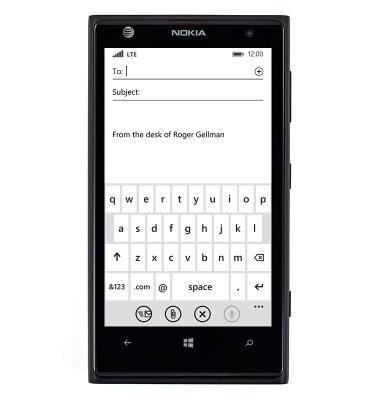
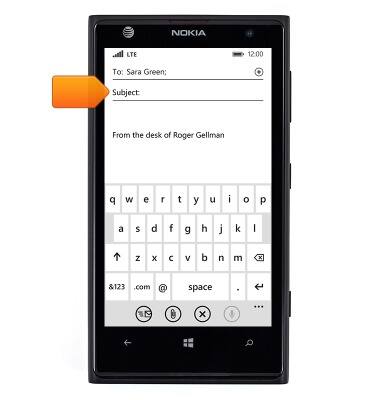
- Tap the Subject field, then enter the desired subject.
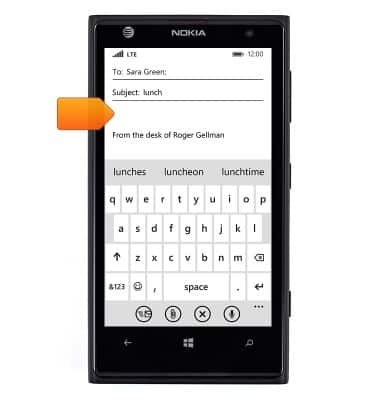
- Tap the Message field, then enter the desired message.
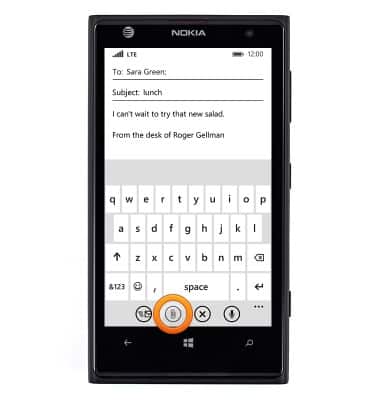
- To add an attachment, tap the Attachment icon.
- Tap albums.
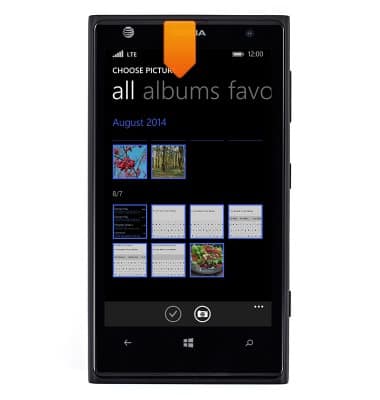
- Tap the desired album.
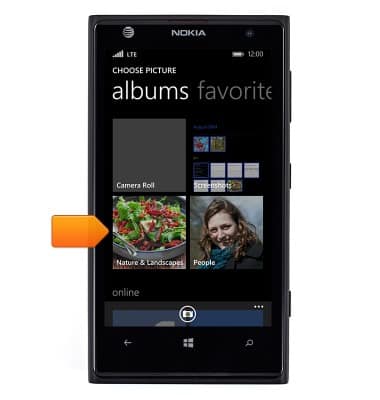
- Scroll to, then tap the desired image.
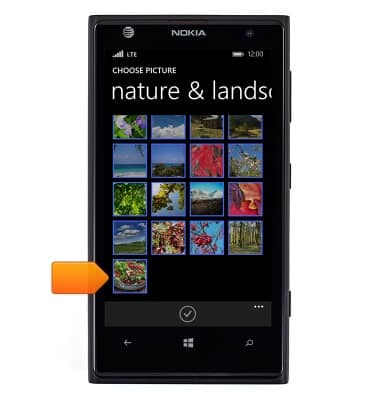
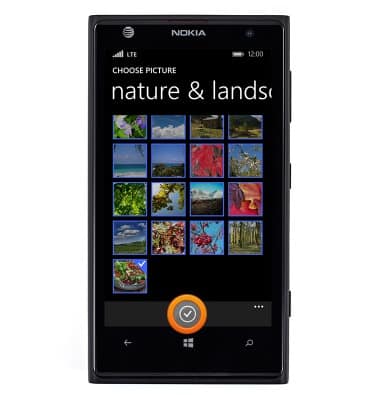
- Tap the Check icon.
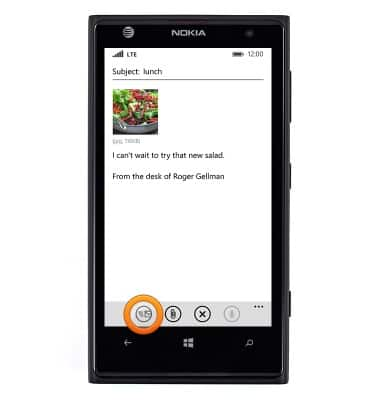
- Tap the Send icon to send.
- To check email, from the Start screen, tap the Email tile.
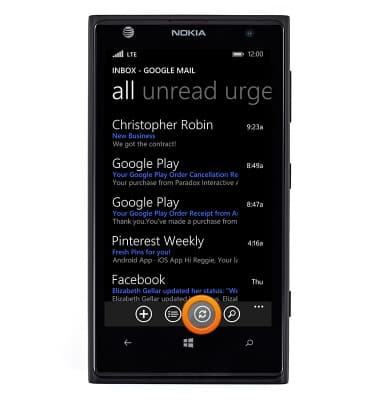
- Tap the Sync icon to check for new messages.
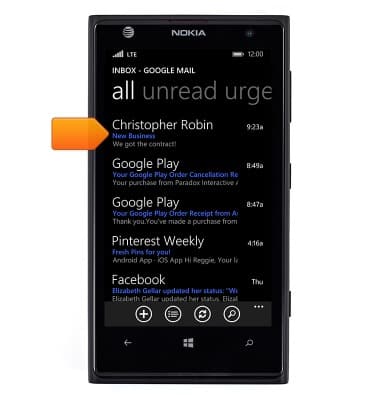
- Tap the desired email.
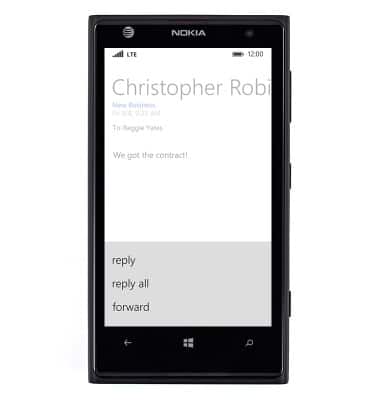
- To reply, tap the Reply icon.
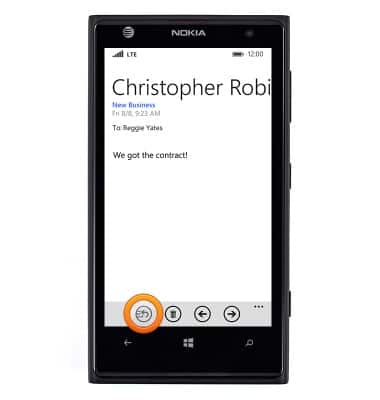
- Tap the desired reply option.
Send & receive email
Nokia Lumia 1020
Send & receive email
Add and download email attachments, respond to an email and more.
INSTRUCTIONS & INFO