- From the Start screen, tap the Email tile.
Note: If multiple email accounts are configured on the device, the user should swipe left from the Start screen, then scroll to, and select the email account they wish to configure.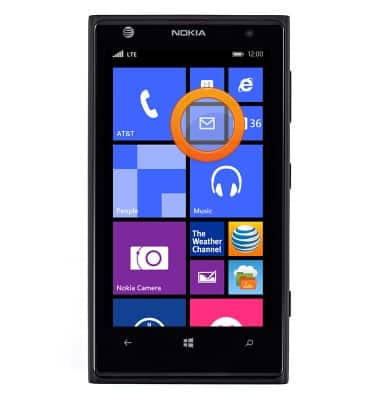
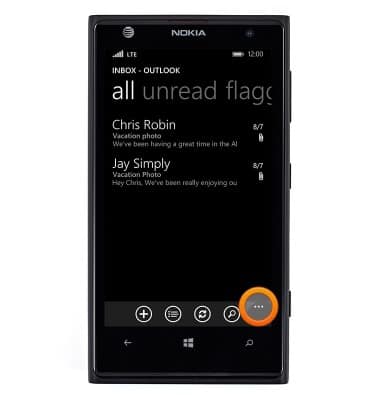
- To view settings, tap the Menu icon.
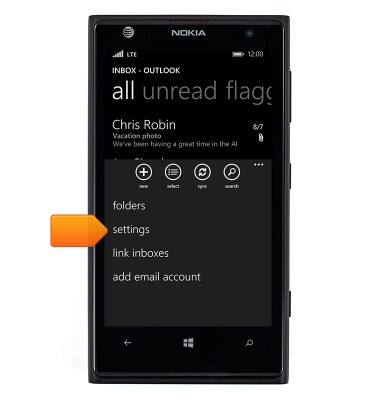
- Tap settings.
- To edit the signature, scroll to, then tap the Signature field.
Note: Ensure that the Signature switch is toggled on to use a signature.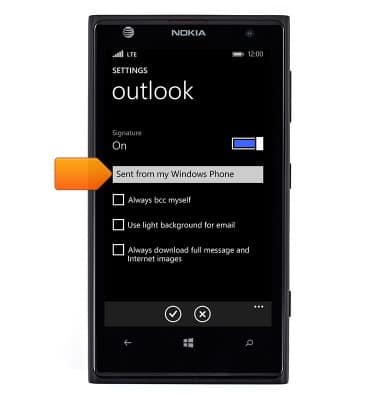
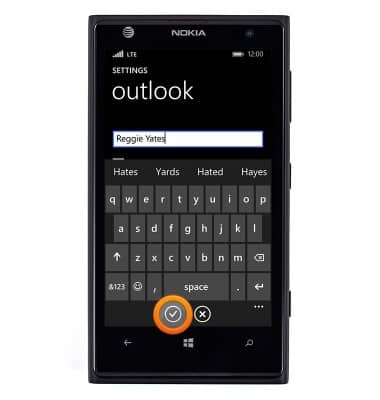
- Enter the desired signature, then tap the Check icon.
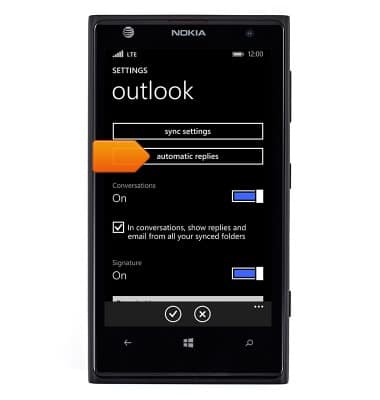
- To edit auto-reply, tap automatic replies.
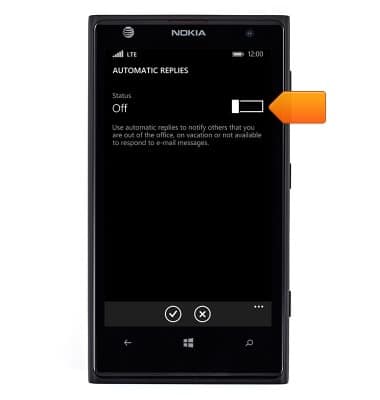
- Tap the Status switch to toggle on/off.
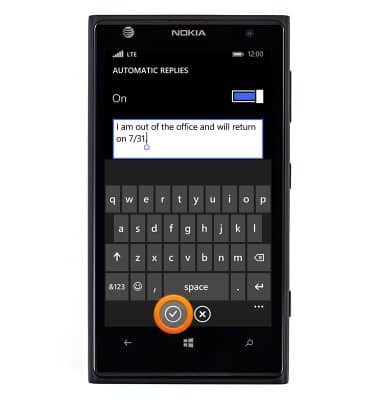
- Tap the Automatic replies field, then enter the desired auto-reply.
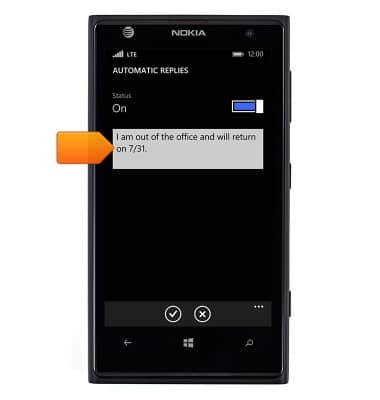
- Tap the Check icon.
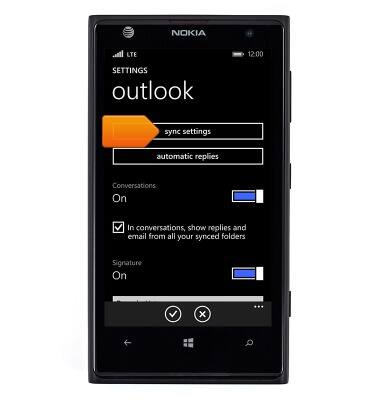
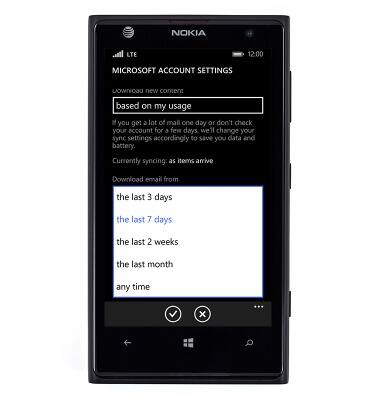
- To edit email checking frequency, tap sync settings.
- Tap the Download email field.
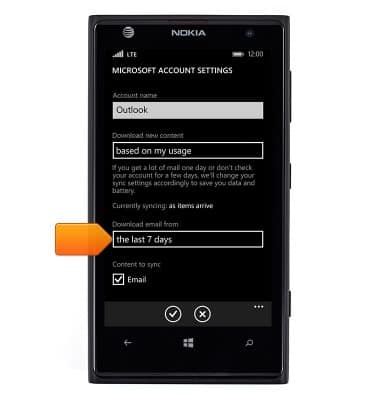
- Tap the desired option.
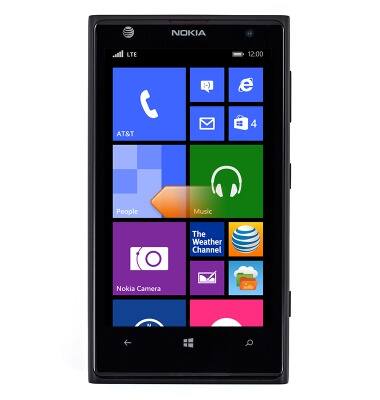
- To delete an email account, swipe left from the Start screen.
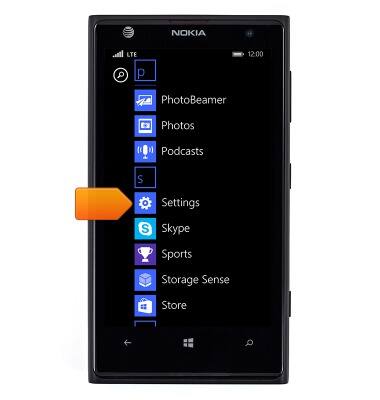
- Scroll to, then tap Settings.
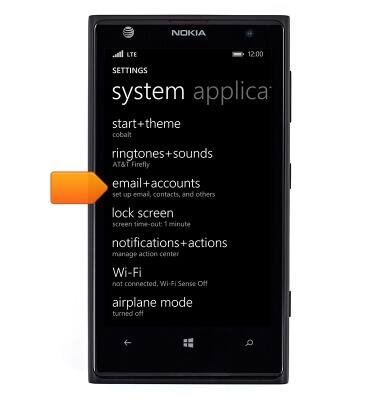
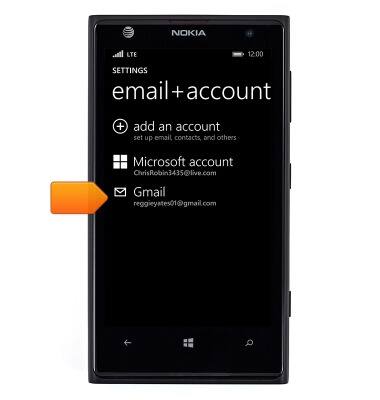
- Tap email+accounts.
- Touch and hold the desired account.
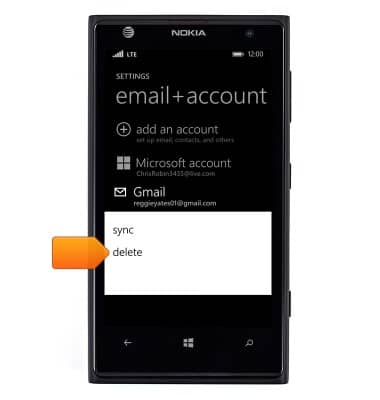
- Tap delete.
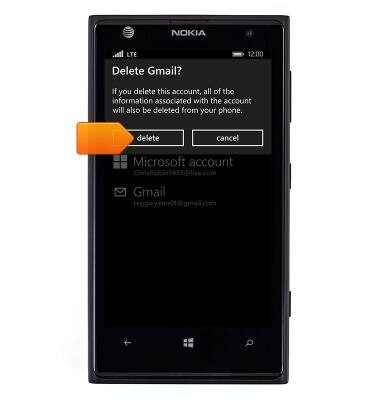
- Tap delete.
Email settings
Nokia Lumia 1020
Email settings
Manage email settings such as sync frequency, server settings, signature, deleting an email account, and more.
INSTRUCTIONS & INFO