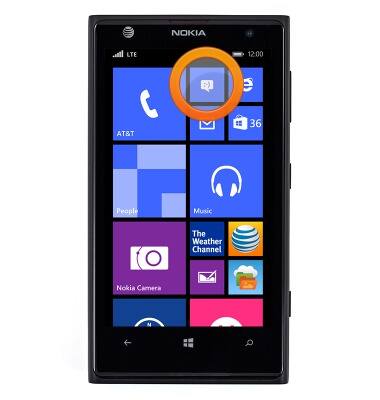
- To add a number to the message block list, from the Start screen, tap the Messages icon.
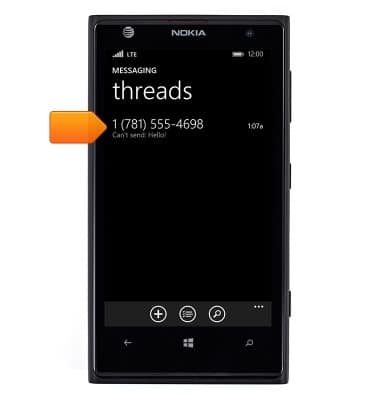
- Touch and hold the desired number.
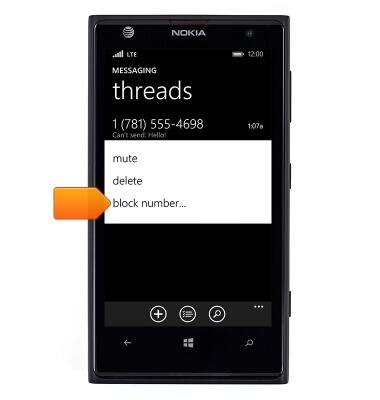
- Tap block number....
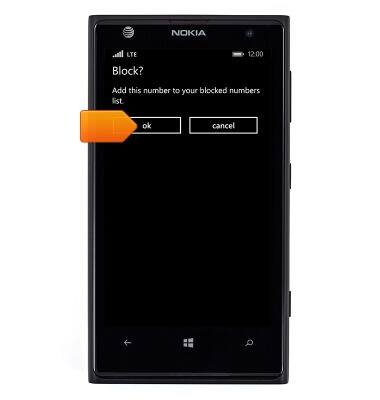
- Tap ok.
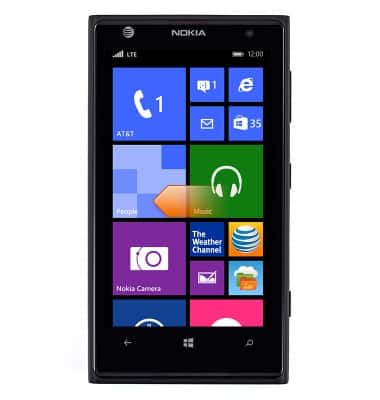
- To turn call and message blocking on or off, from the Start screen, swipe left.
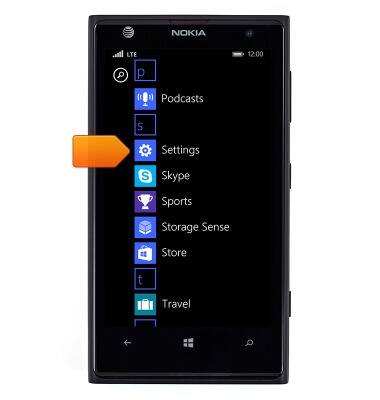
- Scroll to, then tap Settings.
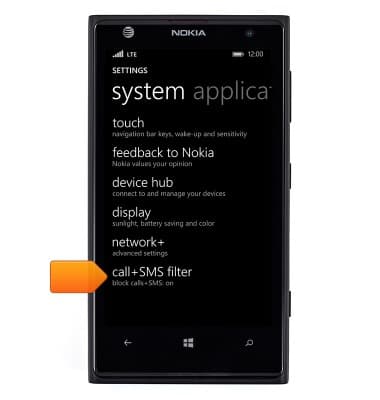
- Scroll to, then tap call+SMS filter.
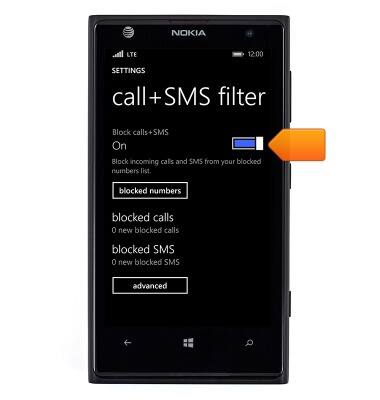
- Tap the Block calls+SMS switch to toggle on or off.
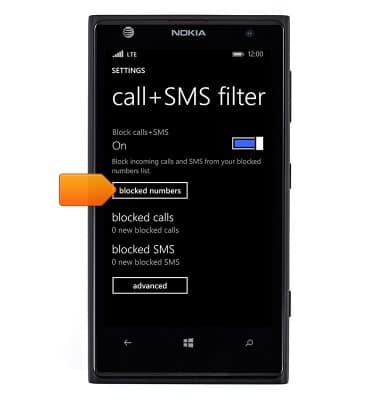
- Tap blocked numbers.
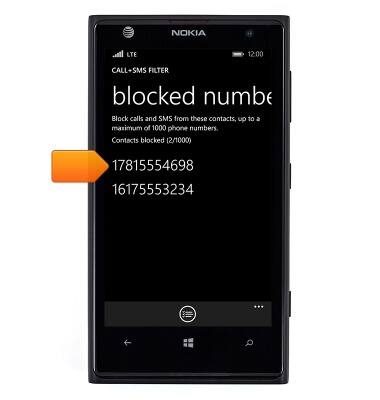
- Blocked numbers will be displayed. To unblock a number, touch and hold the desired number.
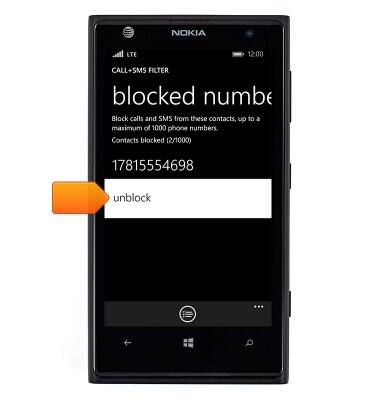
- Tap unblock.
Block messages
Nokia Lumia 1020
Block messages
Learn how to block messages from your device.
INSTRUCTIONS & INFO