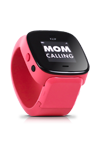
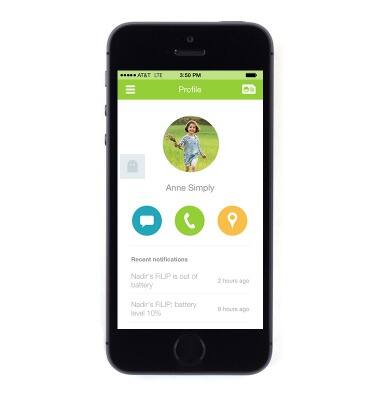
- To change the ring & vibrate settings from the FiLIP app, tap the Menu icon in the upper left corner.
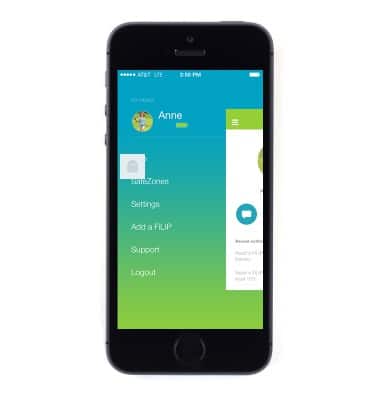
- Tap Settings.
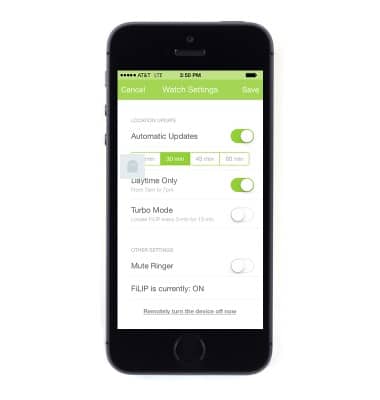
- Tap the child's name under WATCH SETTINGS.
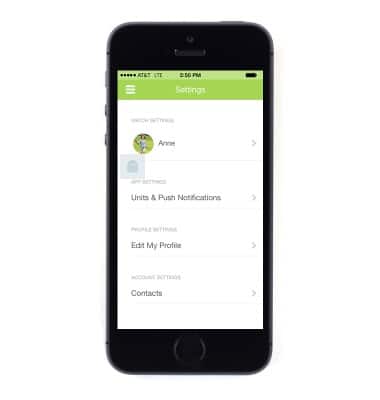
- To mute or un-mute the watch's ringer, tap the Mute Ringer switch.
Sounds & alerts
FiLIP Technologies FiLIP 2
Sounds & alerts
Change volume settings, ringtones, and notification alerts.
INSTRUCTIONS & INFO