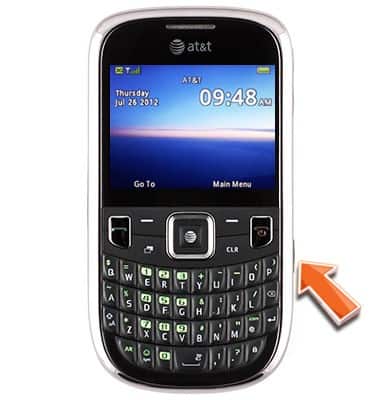
- From the home screen, press and hold the Camera key.
- Press the Right Nav key to scroll to the Video Icon.
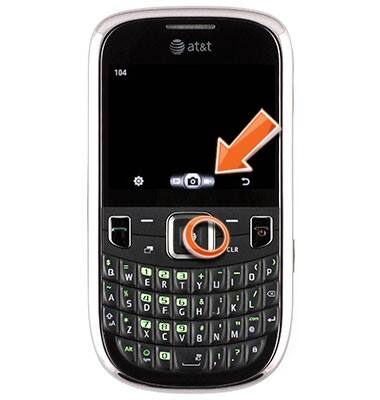
- Press the Center Nav key to begin recording.

- Press the Center Nav key to end the recording.

- Press the Right Soft key to return to the camera screen or press the Left Soft key for more options.

Record video
ZTE Z431
Record video
Use the camera to record video and store it in memory.
INSTRUCTIONS & INFO