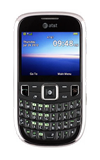
- From the home screen, press the Right Soft key.

- Scroll to AT&T Navi, then press the Center Nav key.

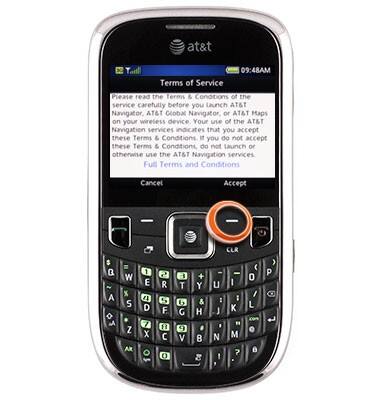
- Press the Right Soft key to accept the terms and conditions.
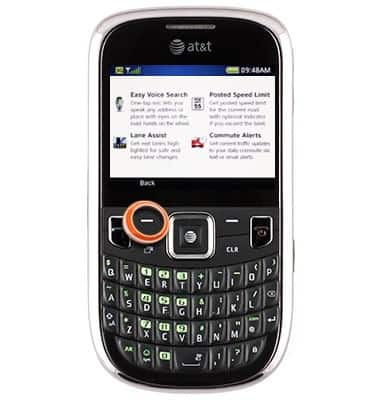
- Scroll to the desired option, then press the Center Nav key.

- Press the Left Soft key.
- You are now logged in.
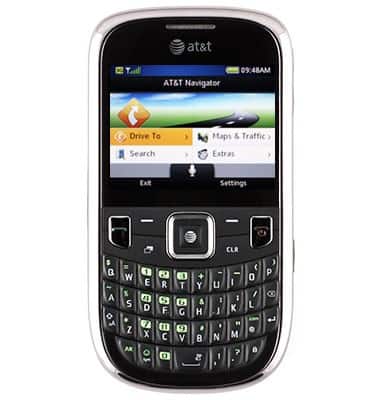
AT&T Navigator login
ZTE Z431
AT&T Navigator login
Get the most updated maps and directions plus traffic updates and one-click re-routing around congestion.
INSTRUCTIONS & INFO