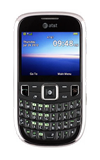
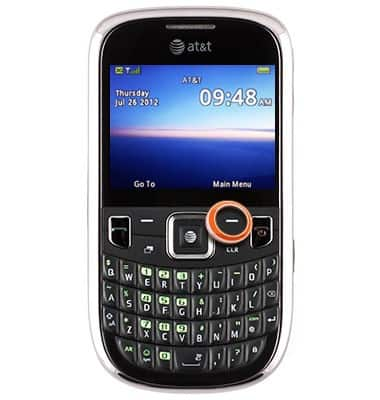
- From the home screen, press the Right Soft key.
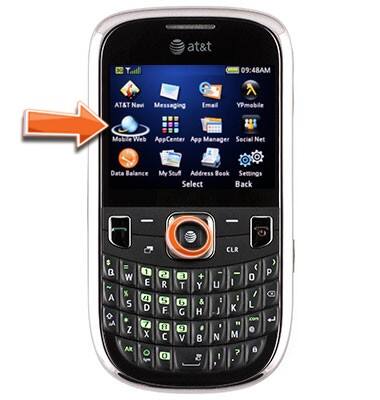
- Scroll to Mobile Web, then press the Center Nav key.
- To select a link, scroll to the desired link, then press the Center Nav key.
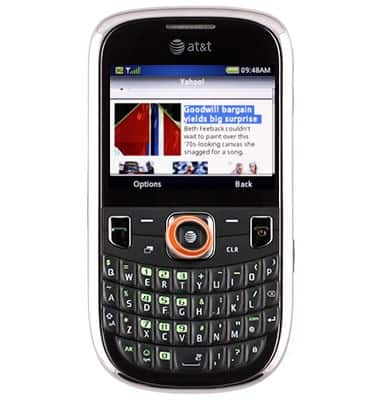
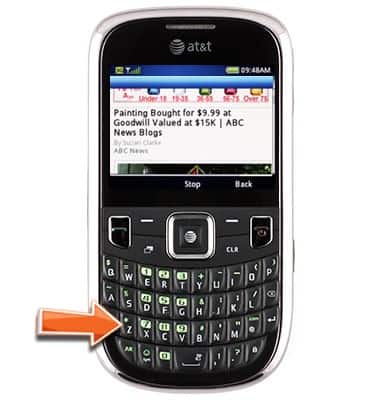
- To open a new page, press the Z* key.
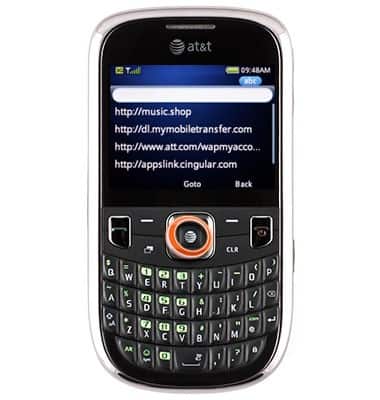
- Enter the desired web address, then press the Center Nav key.
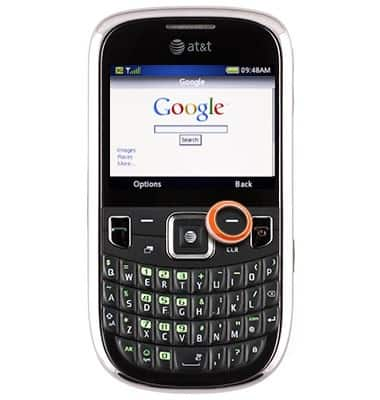
- Press the Right Soft key to return to the previous page.
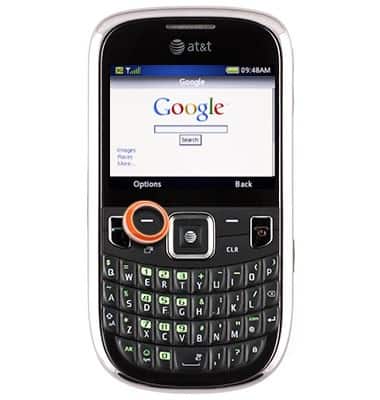
- For more option, press the Left Soft key.
Use the web
ZTE Z431
Use the web
Open an Internet browser and navigate to a web page.
INSTRUCTIONS & INFO