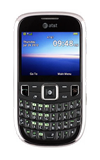
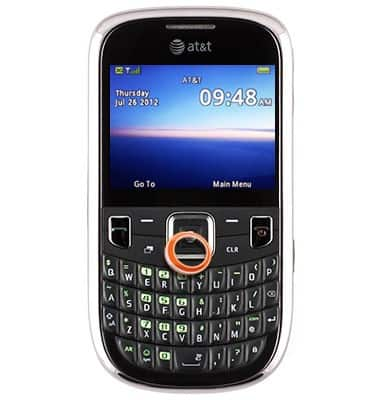
- From the home screen, press the Down Nav key.
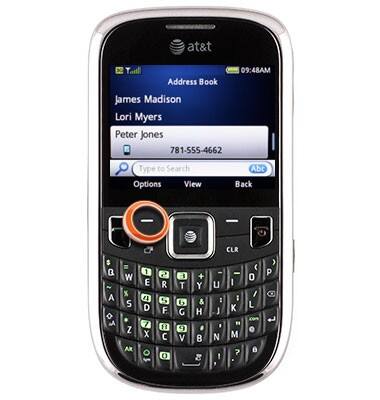
- Scroll to the desired contact, then press the Left Soft key.
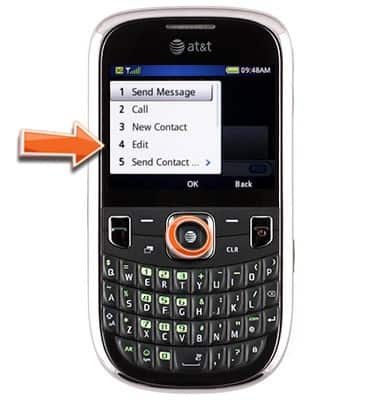
- Scroll to Edit, then press the Center Nav key.
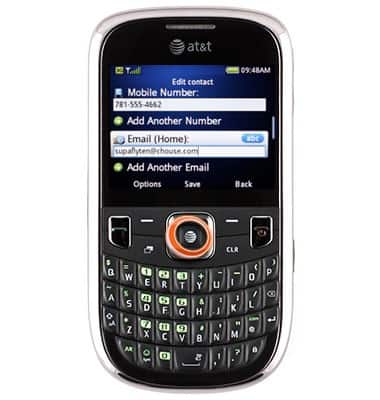
- Scroll to the desired option, then enter the desired changes.
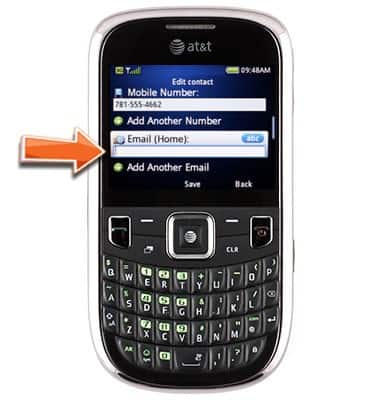
- Press the Center Nav key to save.
Edit a contact
ZTE Z431
Edit a contact
Remove a contact or change a contact's saved info such as add a new email.
INSTRUCTIONS & INFO