
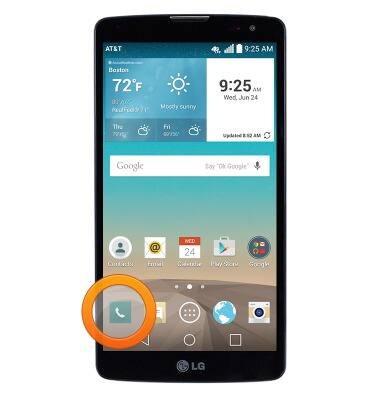
- From the home screen, tap the Phone icon.
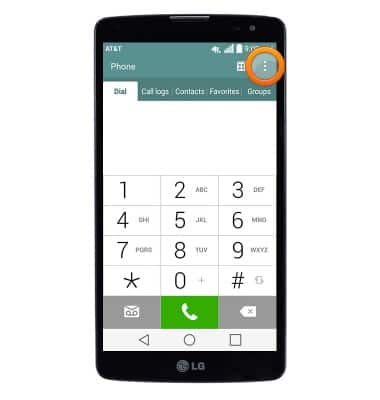
- From the Dial tab, tap the Menu icon.
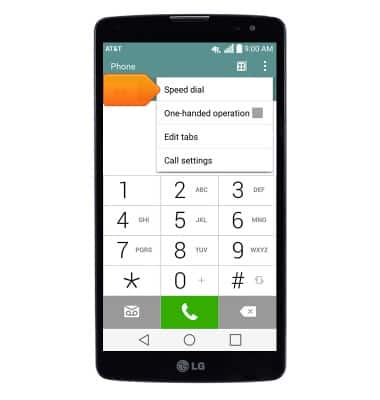
- Tap Speed dial.
- Tap Add contact next to the desired keypad key.
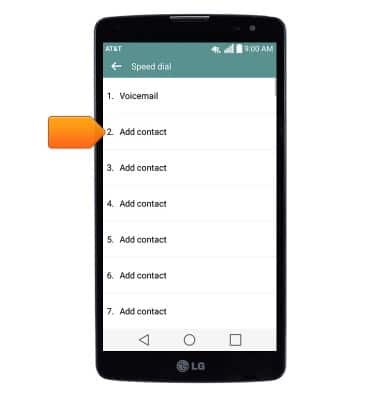
- Scroll to then tap the desired contact.
Note: If a contact is assigned multiple phone numbers, tap the desired phone number.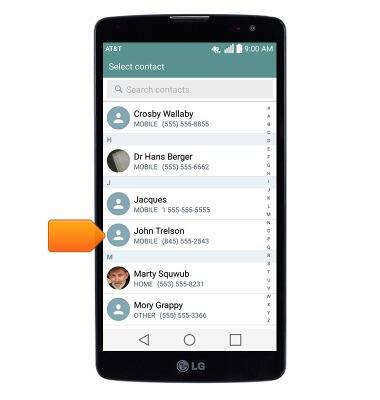
- To update or remove a speed dial contact, touch and hold the desired contact.
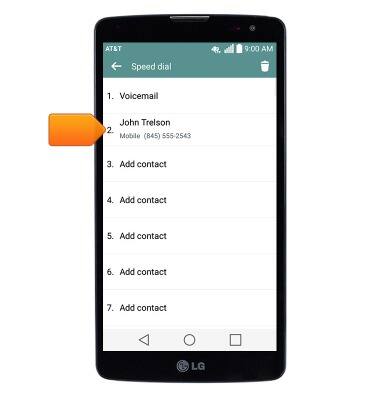
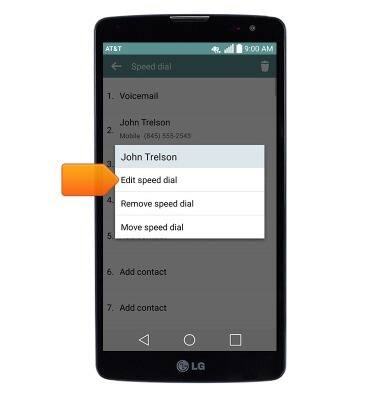
- To assign a new phone number, tap Edit speed dial.
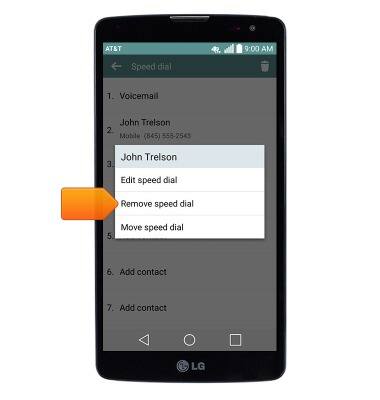
- To delete the contact from speed dial, tap Remove speed dial.
- To call a speed dial contact, touch and hold the assigned number on the dialpad.
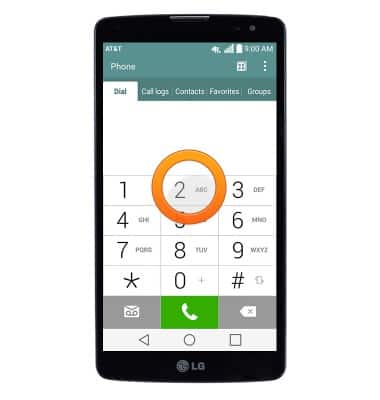
Speed dial
LG G Vista (D631)
Speed dial
Learn how to use speed dial and manage speed dial contacts.
INSTRUCTIONS & INFO