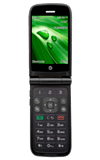
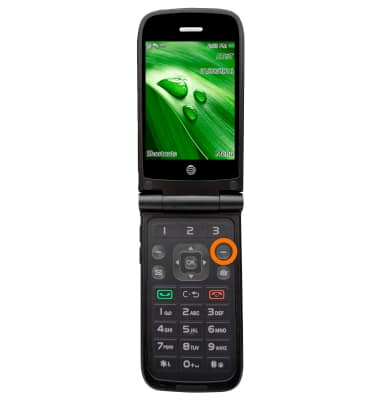
- To turn on Call forwarding, from the home screen, select Menu, then select Settings.
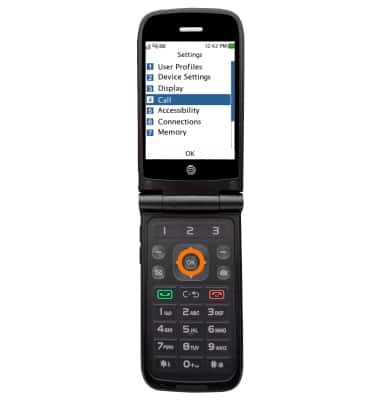
- Select Call.
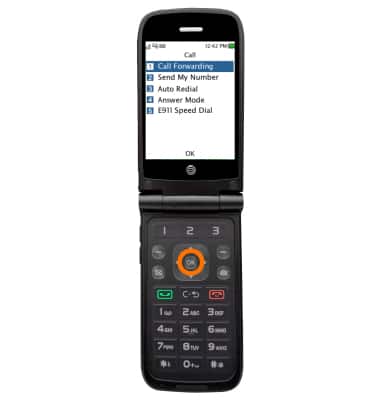
- Select Call Forwarding.
- Select the desired forwarding option.
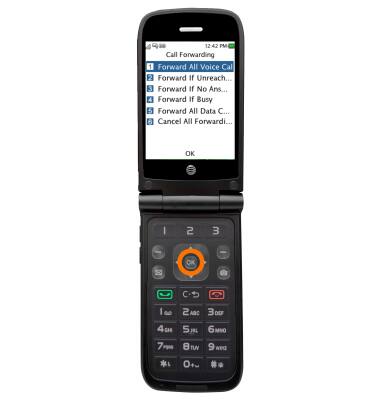
- Select Activate.
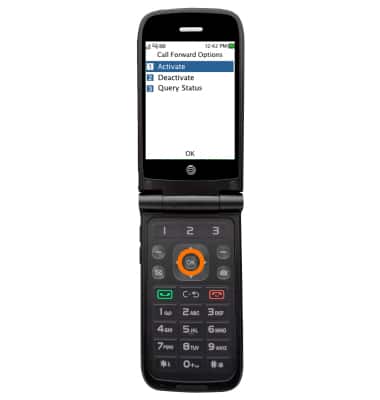
- Select the desired option.
Note: This tutorial selects "To New Number".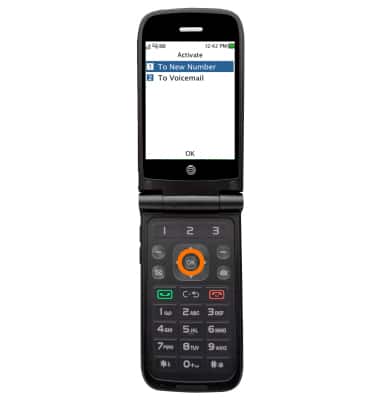
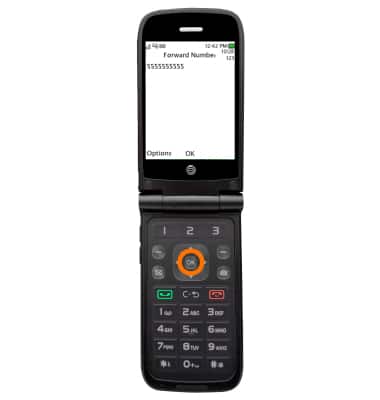
- Enter the desired forwarding number, then press OK.
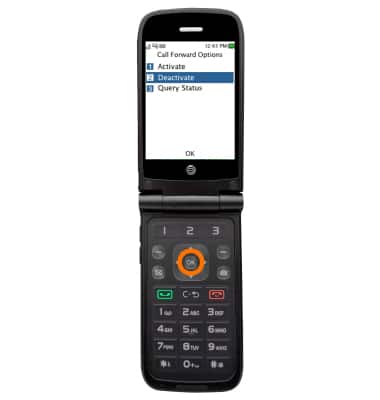
- To turn off call forwarding, from the desired forwarding option, select Deactivate and then press OK.
Call Forwarding
AT&T Cingular Flip (M3620)
Call Forwarding
Manage call forwarding from your device.
INSTRUCTIONS & INFO