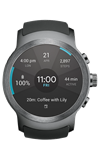
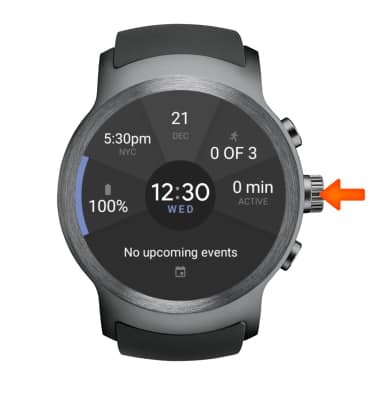
- UNINSTALL AN APP: Press the Rotating Side button.
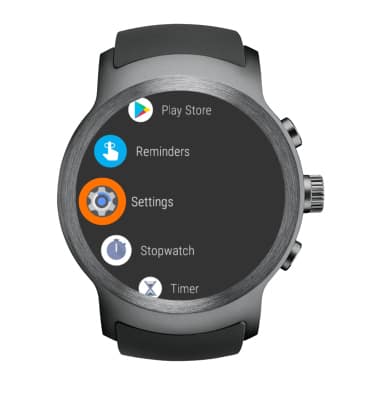
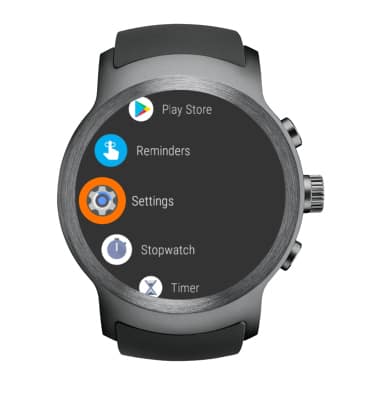
- Select Settings.
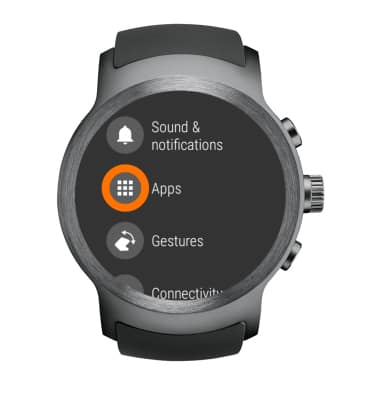
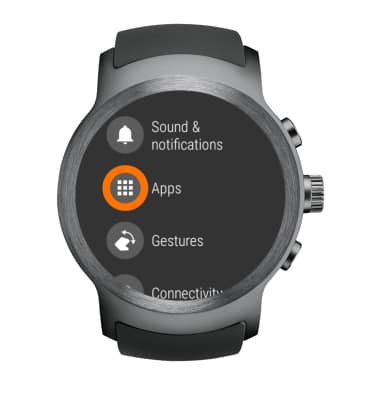
- Select Apps.
- Select the desired application you wish to remove.
Note: You can only uninstall apps that you downloaded to the watch. Pre-installed applications (System Apps) cannot be uninstalled from the device but can be disabled.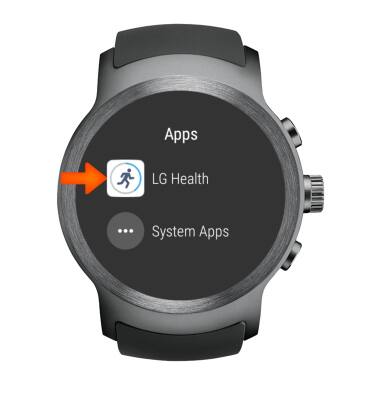
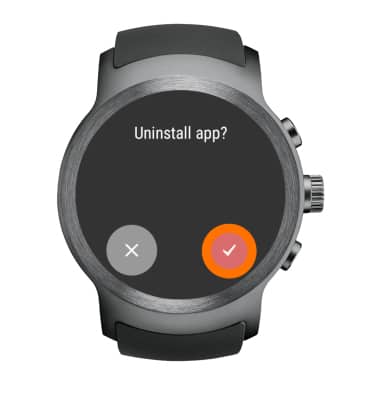
- Select Uninstall, then select the Checkmark icon to confirm.
- DISABLE AN APPLICATION: Select Settings.
- Select Apps.
- Select System Apps.
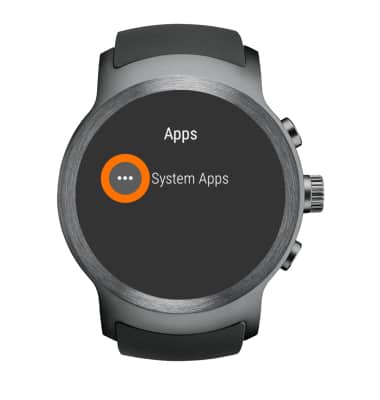
- Select the desired app, then select Disable. Select the Checkmark icon to confirm.
Note: To re-enable a pre-loaded application, go to Settings > Apps > System apps > select the desired app > select Enable.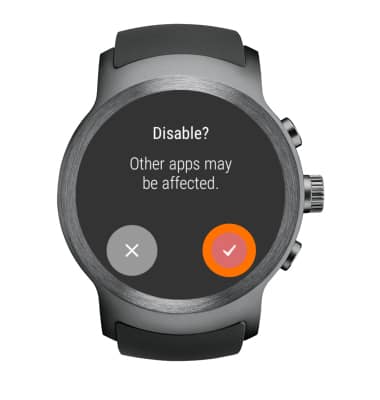
Remove an App
LG Watch Sport (W280A)
Remove an App
Remove an app from your device.
INSTRUCTIONS & INFO