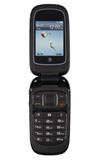
- From the home screen, press the Camera Key.
Note: Alternatively, select Menu > Camera.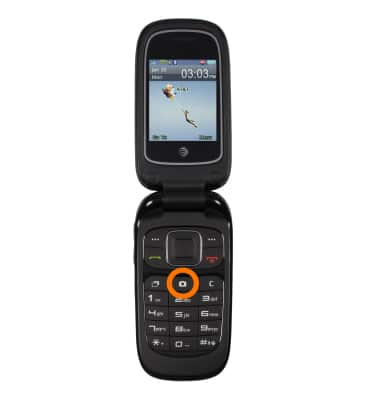
- Select Capture to take a photo.
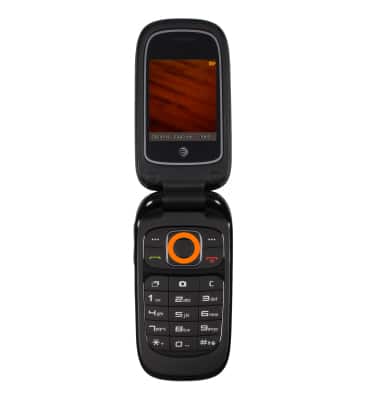
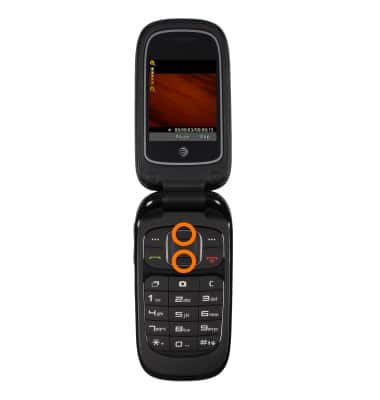
- Use the Up and Down navagation keys to Zoom in and out.
Note: The VGA camera resolution is 640x480.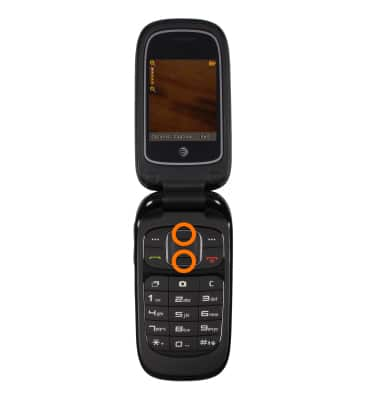
- To switch to video, press the Right navagation key.
Note: Alternatively, select Options > scroll to Switch to video camera.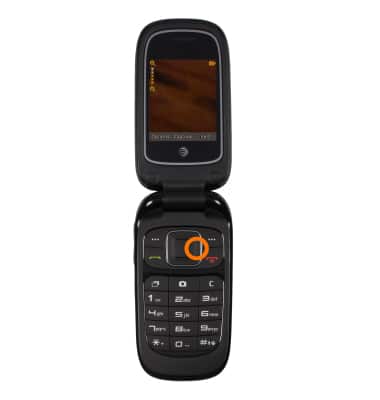
- Select Record to begin recording.
Note: The video records at 15fps.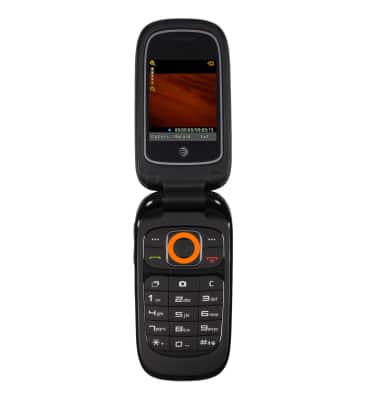
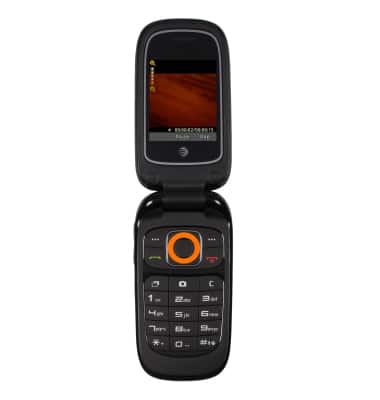
- Select Pause to pause recording.
- Select Continue to continue recording.
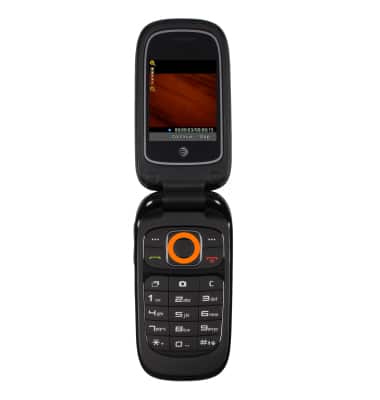
- Select Stop to stop recording.
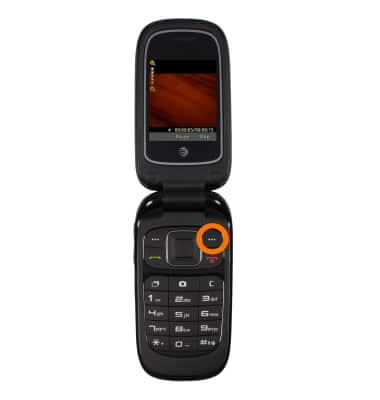
- Use the Up and Down navagation keys to zoom in and out.
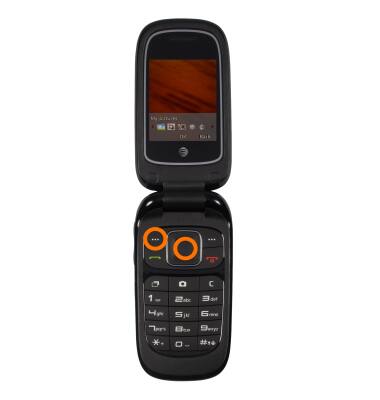
- To access a saved picture, select Options > My Pictures.
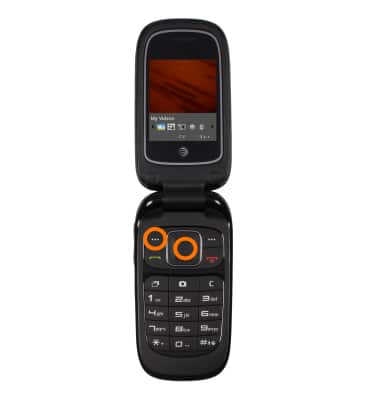
- To access a saved video, select Options > My Videos
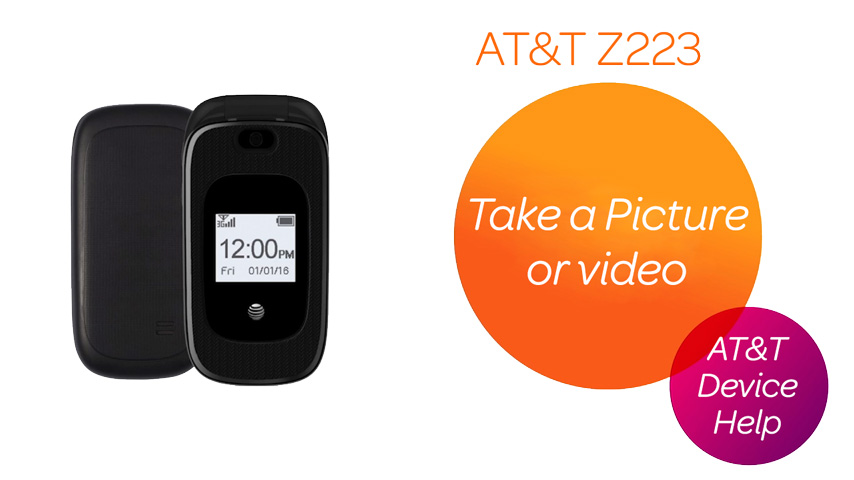
Take a picture or video
ZTE Z223
Take a picture or video
Take and edit a picture or video, use the front and rear camera, and switch between camera and video modes.
Take a Picture or Video
Take and edit a picture or video, use the front and rear camera, and switch between camera and video modes.
Take a Picture or Video
1:32
INSTRUCTIONS & INFO