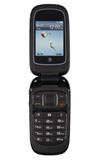
- To turn on Call forwarding, from the home screen, select Menu, then select Settings.
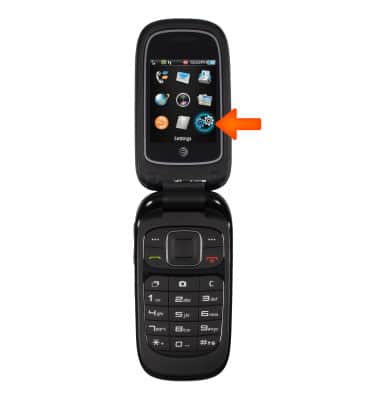
- Select Calls.
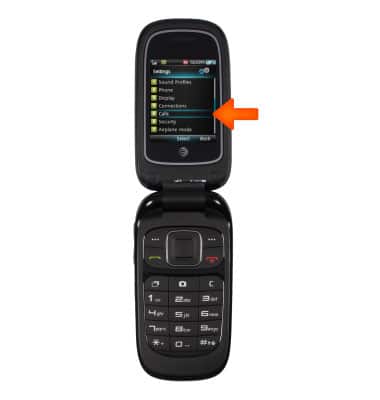
- Select Call forwarding.
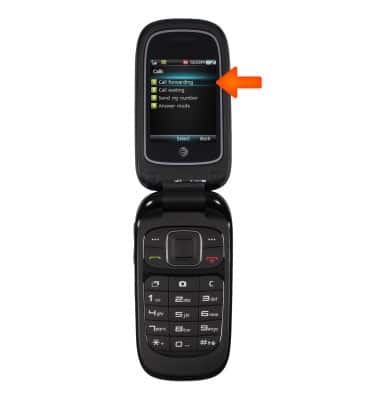
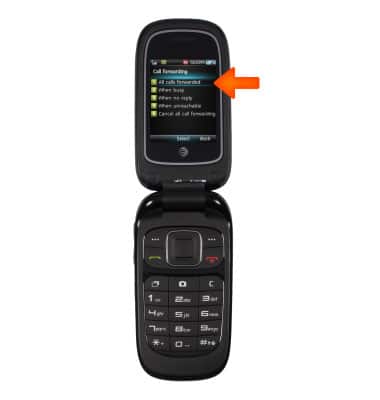
- Select the desired forwarding option, then select Activate.
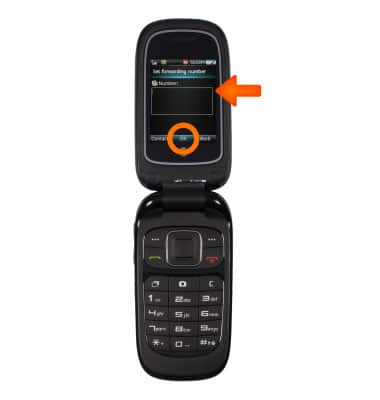
- Enter the desired forwarding number, then select OK.
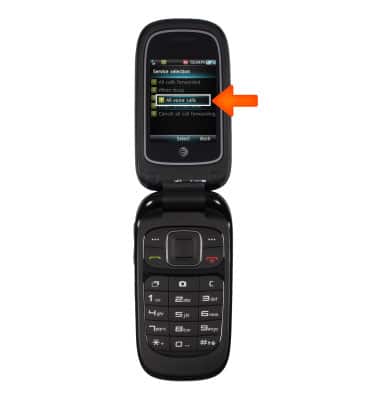
- Select All voice calls.
Call forwarding
ZTE Z223
Call forwarding
Manage call forwarding from your device.
INSTRUCTIONS & INFO