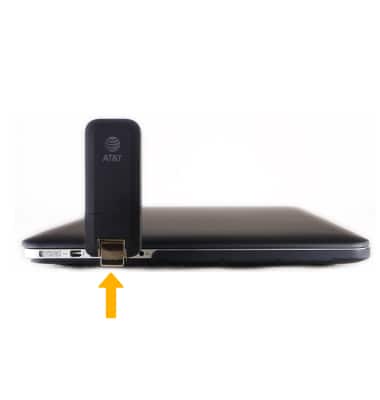
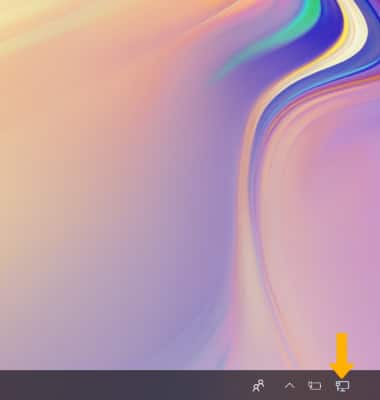
2. The device will automatically connect to the internet. The Internet Access icon in the Task Bar will change when the device is connected on a PC.
Note: To check the connection status of the device on a Mac, navigate to System Preferences > Network.
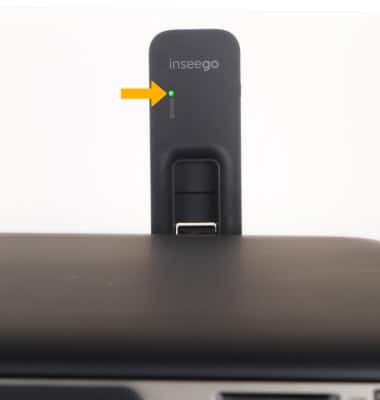
3. Connection is complete when the LED indicator light is solid green.
Note: If you are experiencing issues connect to the AT&T network, verify the SIM is activated and you are within AT&T coverage areas.