Optimize your internet speed
Learn about internet speed, what affects it, and how to get the most from your service.
The speed of your internet connection to your Wi-Fi® gateway or All-Fi Hub is pretty consistent. You can check it with AT&T Smart Home Manager.
However, the speed you get on devices connected to your network can vary. The number of devices you connect to Wi-Fi, how you use them, their age and type, and Wi-Fi signal strength all can affect speed. Learn other factors that affect your internet speed
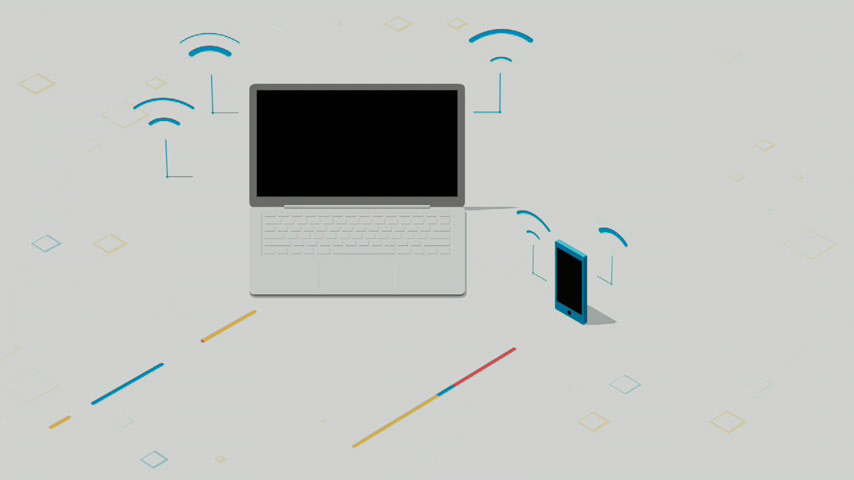
Understanding Internet Speed
2:51
Ways to boost internet & device speed
Easy changes for internet speed
- Restart your gateway or hub
- Disconnect unused devices
- Move devices closer to the gateway or hub
- Try wired connections when you stream or game
Improve device speed
- Reboot devices to clear system errors
- Exit streaming apps when you're done
- Keep software up-to-date
- Check your device speed
Have a lot of connected devices?
Get help with your network and devices
Use the Smart Home Manager to:
- Check your Wi-Fi signal strength and reach
- Restart your equipment
- Order Wi-Fi extenders or All-Fi Boosters
- Ask our Virtual Assistant for help with common issues
Troubleshooting Internet with Smart Home Manager
4:14