
Technology
4 Tips for Improving Your Phone Security
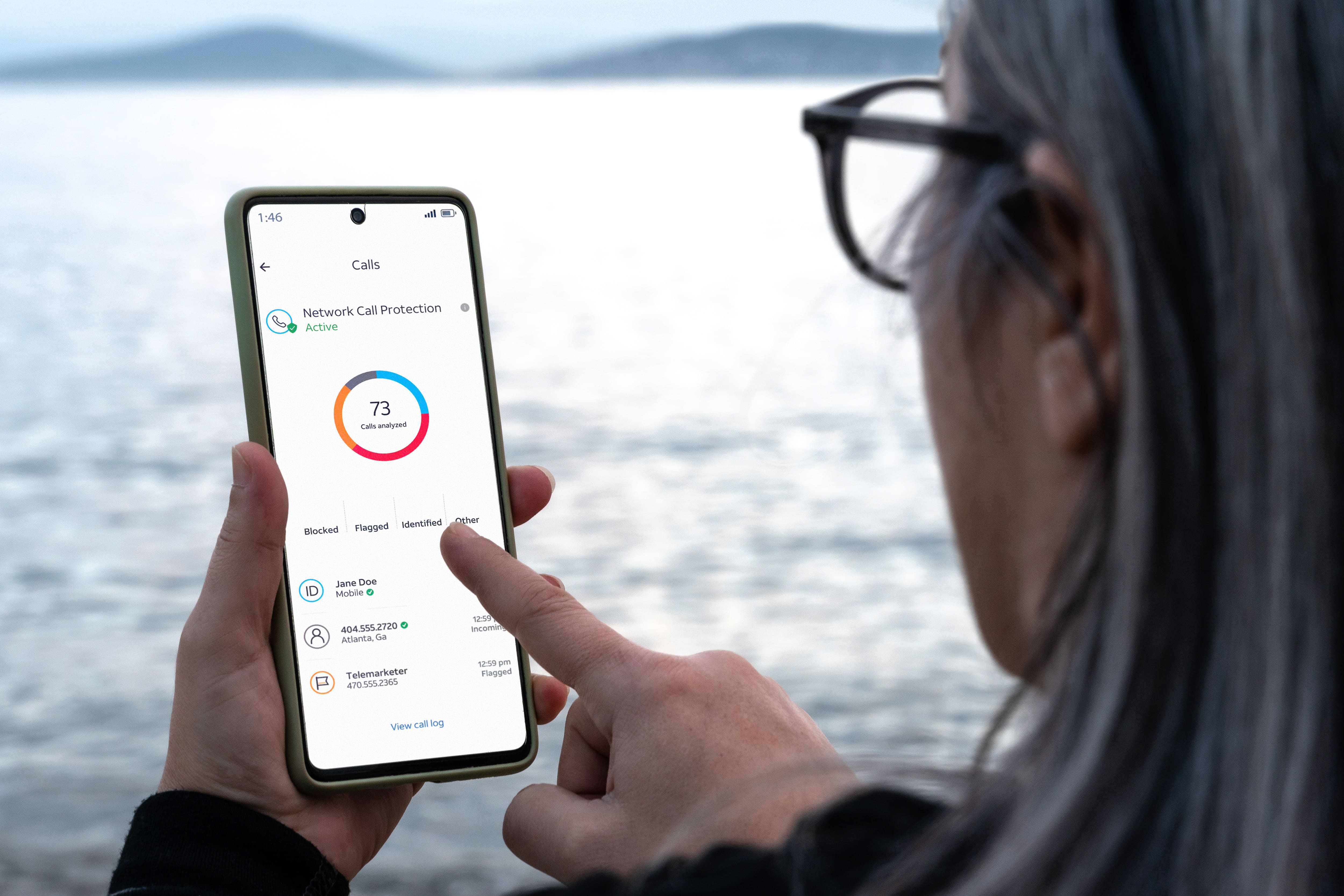
There’s a common question many smart phone owners find themselves asking: “How can I improve my phone’s security?” Phone security is an important issue that can affect every user whether their phone is filled with sensitive information or not.
Nobody wants to be the victim of a malicious hacker, and everyone wants to make sure they keep their sensitive information out of the wrong hands. Check out some of our tips to help you increase privacy and security on your smartphone.
Tip #1: Keep your software updated
Sometimes a software update notification will pop up at the most inopportune time—don’t they know you’re in the middle of a very important group chat?! But those notifications can be important, because some of those updates may improve your cell phone security.
Software updates can include bug fixes, vulnerability patches, and other changes that can affect your security and privacy. Bugs and vulnerabilities can make it easier for hackers to sneak their way on to your device or install malware that can compromise your smart phone.
If your phone gives you the option to enable automatic updates, do it. By enabling automatic updates, you ensure that you get important software patches as soon as they’re available. You may also have the option to set your updates to happen in the middle of the night (or whenever you designate) without interrupting your screen time.
Tip #2: Set a strong password or PIN
Security for phones has been upgraded through a variety of unique options for unlocking your phone for use. Depending on what kind of phone you have, you may have the option to lock your phone using your fingerprint or your face. While this ensures nobody can open your phone without your face or fingerprint, there’s no guarantee that someone couldn’t still use your face or fingerprint to unlock your phone without your permission.
Consider disabling fingerprint or face login if you have it and opt instead for a strong PIN code or password to unlock your phone—especially if you have sensitive information.
Tip #3: Turn off Bluetooth and WiFi when you’re not using it
This one is especially important if you’re in public spaces. If you leave your Bluetooth and Wi-Fi access on, it may make it easier for hackers to connect to your device and gain access to files and information.
One way this can happen is a hacker can pretend to be a legitimate device that makes a connection request to your device. Once you grant access, the hacker can exploit security holes in other programs and apps to steal your information or get sensitive files.
Tip #4: Download a protection app
To further advance your protection, you may want to download a consumer protection app that can offer a variety of safeguards. For example, there’s the free AT&T ActiveArmor® mobile security app, which is available exclusively for AT&T wireless customers.
When you activate ActiveArmor on your phone, you can block spam calls[1], manage and block unknown callers, get notified about company data breaches, and more.
With ActiveArmor advanced mobile security, you can be alerted when your personal information has been found on the dark web and prevented from clicking on malicious websites links.
ActiveArmor advanced is an included benefit with our best unlimited rate plans and $7/month for all other wireless plans. Learn more about AT&T ActiveArmor here or download AT&T ActiveArmor today.
This article was updated by Zoya Cochran on April 7, 2026, to reflect pricing and trademark changes.
This article is AT&T sponsored content written by Carly Milne, a TechBuzz contributor. The statements in this article are her own and don’t necessarily represent the positions, strategies, or opinions of AT&T.
[1] May inadvertently block wanted calls; settings can be adjusted in the app.
The new AT&T app
Related articles

Technology
10 benefits of AI
by Zoya Cochran | Jun 29, 2026
Discover the benefits of AI in everyday life. Learn how artificial intelligence helps improve decision making, saves time, and personalizes your...

Technology
What is cloud storage?
by Jobi George | Mar 5, 2026
Learn what cloud storage is, how it works, and why it matters for backing up photos, documents, and other files from your phone and computer.

Technology
Benefits of VPNs
by Zoya Cochran | Feb 17, 2026
Learn about the benefits of using a VPN, including enhanced online privacy, secure public Wi-Fi connections, and protection for personal data.
Want to stay in the loop?
Get the latest deals, product news, and more from AT&T.