Switching back to Standard Mode
Galaxy S10 5G
Switching back to Standard Mode
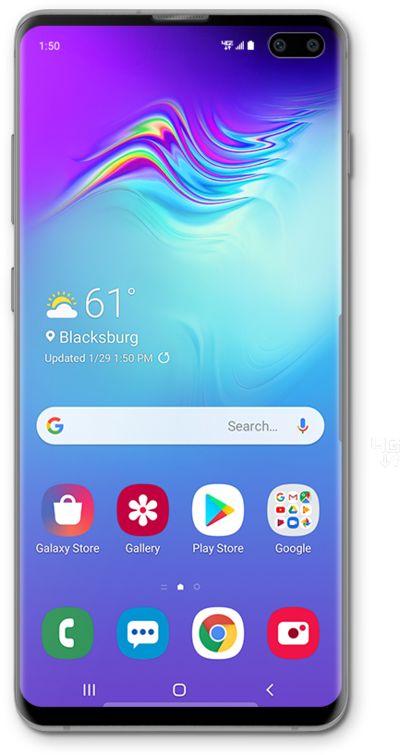
See how to switch back to Standard mode from Easy mode on your device. You can switch back to Easy mode later if you change your mind.
1.
From the Home screen, swipe right to left to the Favorite Apps screen.
2.
Tap Settings.
3.
Tap Display.
4.
Scroll to Easy mode.
5.
Tap Easy mode.
6.
Tap or slide the Easy mode switch to OFF.
7.
You've completed the steps!
