Getting to Know the Back of Your Phone
Stylo 5
Getting to Know the Back of Your Phone
Stylus Slot
Volume Buttons
Power/Lock Button
Camera
USB/Charging Port
Nano SIM / microSD card slot
Audio/headphone jack
Microphone
Flash
Fingerprint sensor
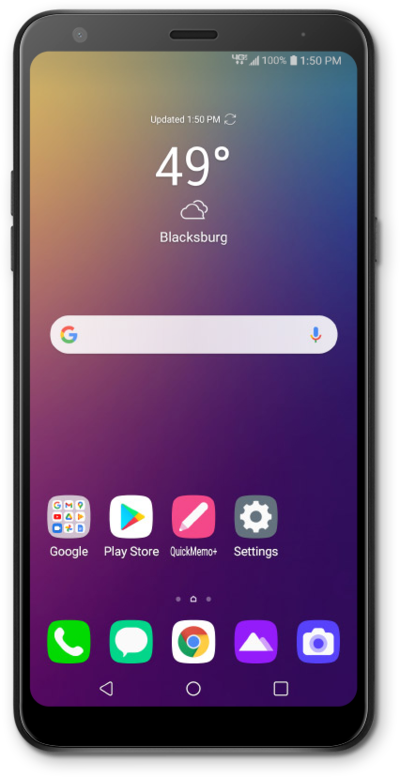

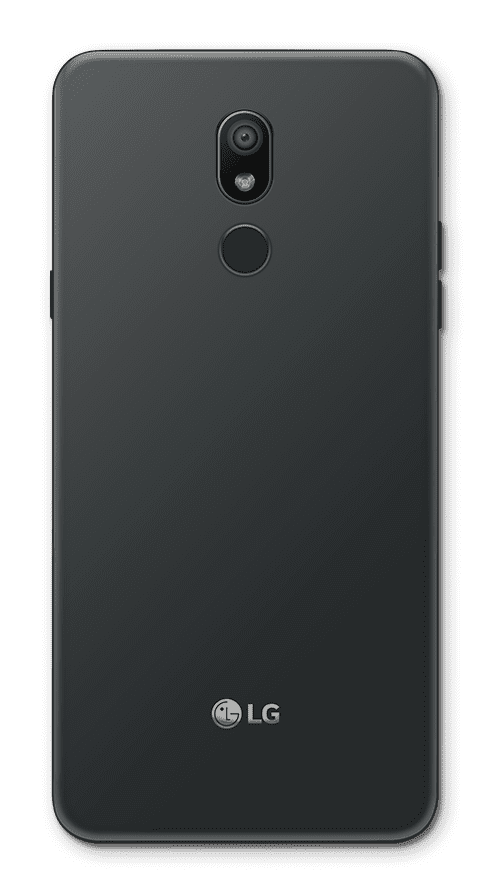
Insert or remove your stylus here. Removing the stylus will bring up a menu with that lets you choose an action to complete with the stylus.
Lets you adjust the device volume.
Wakes the touchscreen or puts it to sleep when you press it. Turns the device completely off or on when you hold it down.
Used for taking pictures.
Connects your phone to the battery charger or to another device for transferring data.
Insert or remove your nano SIM / microSD card here.
Used to plug in your headset or headphones.
Captures your voice when making calls, using voice commands and more.
Used for taking pictures in low-light situations.
Used for unlocking the device with your fingerprint.
We use cookies to help enhance your experience on our site and for analytics. We also may use cookies for marketing purposes. You can manage your preferences and opt out of the sharing for targeted advertising and sales of cookie data.
Learn more about our approach to privacy at att.com/privacy.