Reducing data usage by turning on data saver
Reducing data usage by turning on data saver
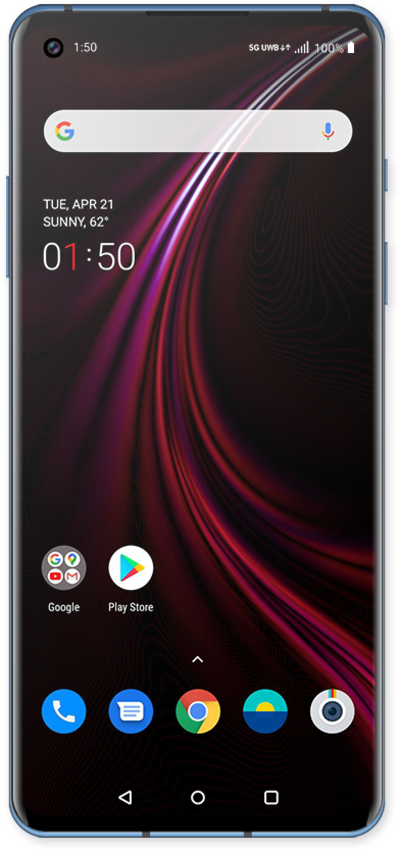
Using the Data Saver function on your device can help you lower the amount of data you use. Data Saver will prevent some apps from sending or receiving data in the background.
1.
From the Home screen, drag down the Notification panel.
2.
Tap the Settings icon.
3.
Tap Wi-Fi & Network.
4.
Tap SIM & Network.
5.
Tap Data Saver.
6.
Tap or slide the Use Data Saver switch to ON.
7.
You've completed the steps!
