Adding a contact
Adding a contact
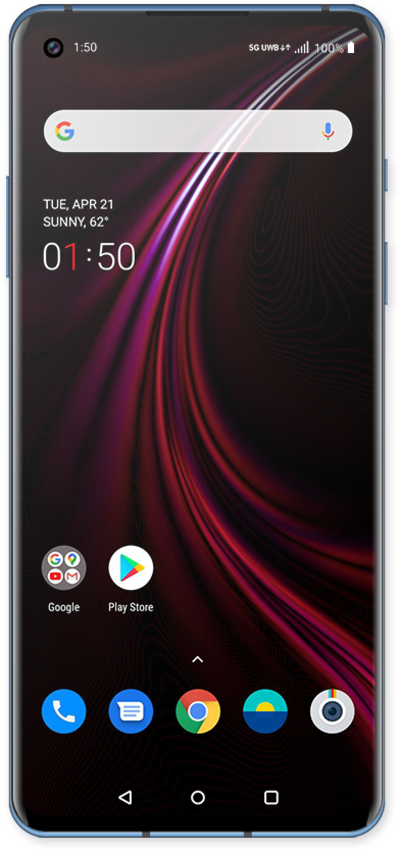
Create a new contact to store that person's information on your device. In addition to saving their phone number, you can store information like email, address, and more.
1.
From the Home screen, swipe up to view your apps.
2.
Tap Contacts.
3.
Tap the Add contact icon.
If prompted, select your contact storage location.
4.
Enter the contact's first name.
5.
Tap the Next key.
6.
Enter the contact's last name.
7.
Tap the Next key.
8.
Enter the contact's phone number.
9.
Scroll to the Email field.
10.
Tap the Email field.
11.
Enter the contact's email address.
12.
Tap the Check mark icon to save your changes.
13.
You've completed the steps!
