Attaching a file to an email
Attaching a file to an email
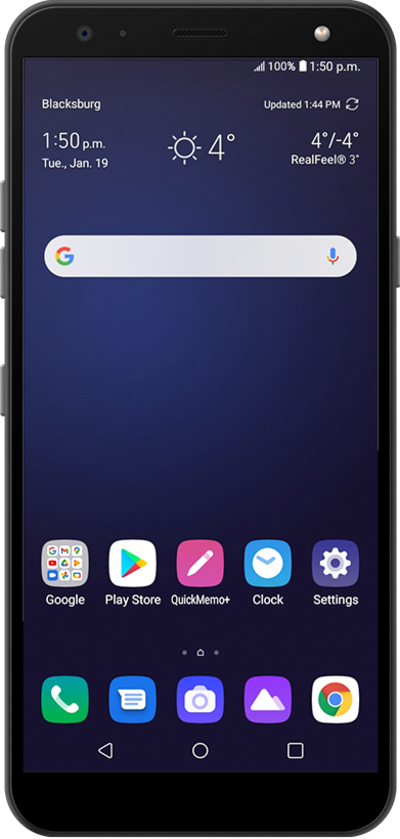
Learn how you can attach pictures, videos, etc. to emails when sending an email with your device. By attaching files to your email, you can share photos by email to your contacts.
1.
From a composed message, tap the Attach icon.
2.
Tap Attach file.
For this tutorial, we're selecting an image file. You can choose other types of attachments to send with an email, but steps may vary slightly based on what type of file you choose.
3.
Select a file you'd like to attach.
4.
When you're finished, tap the Send icon.
5.
You've completed the steps!
