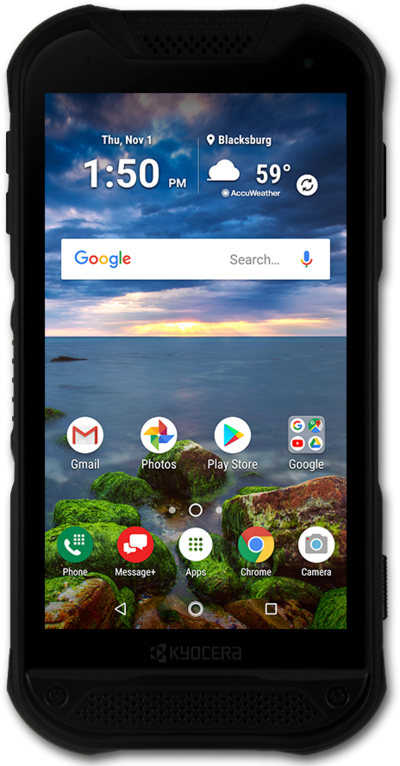
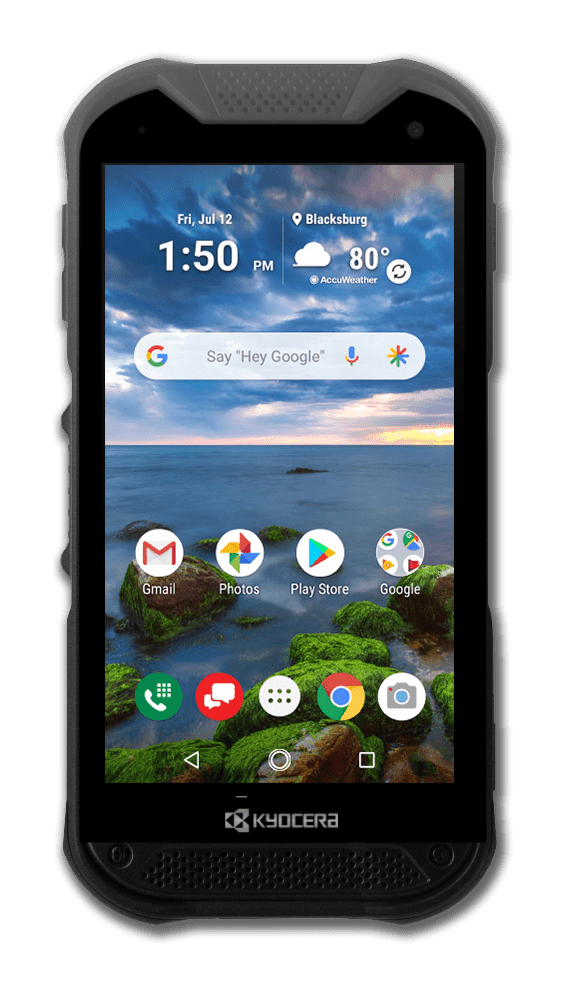
Used to go back one screen.
Used to plug in your headset or headphones.
Listen to audio or phone calls from here.
Used for taking pictures and recording videos.
Takes you to the last Home screen you were on. If you're on a Home screen, it will take you to the main Home screen. Touch and hold for Google Assistant.
Built-in microphone used for phone calls and voice commands.
Insert or remove your nano SIM / microSD card here.
Press to lock or unlock the touchscreen. Hold down to turn the device on or off.
Opens the Camera app for taking pictures and recording videos.
Shows the apps you've recently opened, letting you switch between and close apps that are running. Touch and hold to enter split screen mode.
Connects your phone to the battery charger or to another device for transferring data.
Adjusts the volume on your device.
Used for unlocking the device with your fingerprint.
Used to play sounds on your device.
Opens the PTT+ app or your favorite device function.
Opens the Camera app.
Opens the list of apps installed on the phone.
Opens the browser for exploring the internet.
Opens the keypad and phone functions.
Opens a Messaging app for sending and receiving text, picture and video messages. It can also sync your messages across multiple compatible smartphones, tablets and computers, so you can send and receive messages from all your devices.
We use cookies to help enhance your experience on our site and for analytics. We also may use cookies for marketing purposes. You can manage your preferences and opt out of the sharing for targeted advertising and sales of cookie data.
Learn more about our approach to privacy at att.com/privacy.