Using picture-in-picture
Galaxy Tab S5e
Using picture-in-picture
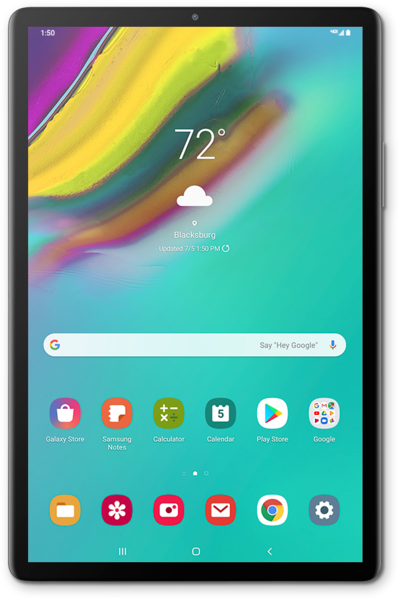
With the Picture-in-Picture function of your device, you can keep a minimized version of some apps open while you navigate the rest of your device.
1.
From an ongoing navigation in Maps, press the Home button.
In this tutorial we're using picture-in-picture for Maps navigation. However, you may wish to use a video app instead. The steps are essentially the same, but you may encounter minor variations based on the app you select.
2.
Drag the Picture-in-picture window to a new location on your screen.
3.
Tap the Picture-in-picture window.
4.
Tap the Fullscreen icon to return to fullscreen.
You can dismiss your Picture-in-Picture window by dragging it to the bottom of your screen or tapping the X icon.
5.
You've completed the steps!
