Using Multi Window™
Galaxy Tab S5e
Using Multi Window™
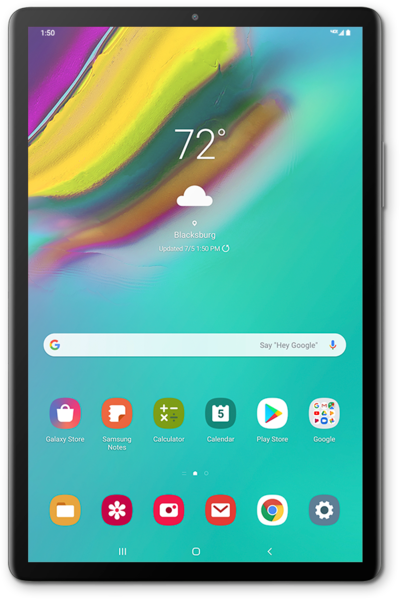
You can multitask with two applications on your device by using split screen. This will allow you to have two apps open at once.
1.
From the Home screen, press the Recent apps button.
2.
Touch an app icon.
3.
Tap Open in split screen view.
4.
Select another app to view in split screen.
5.
To exit split-screen, drag the middle bar across the app you want to exit.
6.
You've completed the steps!
